Our reviews are written by Internet security experts. Learn more.
At PCrisk.com, we conduct in-depth tests of popular ad blockers to help you choose the best one for you. Our cybersecurity experts have a long history in the field, and we recognize that ad blockers are a valuable layer of protection for your devices while browsing online.
A good ad blocker not only filters out annoying ads but can also guard against malicious advertising and intrusive trackers, enhancing both your security and privacy on the web. Rest assured, our reviews are independent and not influenced by ad blocker vendors.
Note: When ranking the best Ad Blocker programs, we've combined the results of our in-house tests and looked at the ratings from other reliable sources. The 'best' option depends on your situation, including the number of devices on which you want to use an Ad Blocker, the features you need, and how much you're willing to spend. We recommend reading our full reviews of each product for more details.
Hands-On Testing
For over a decade, PCRisk has been a trusted authority in malware research. Our daily engagement with malware and cybersecurity threats uniquely positions us to evaluate and recommend the most effective internet security solutions. Through rigorous in-house testing, we are able to provide informed insights to help you select the tools that best meet your needs.
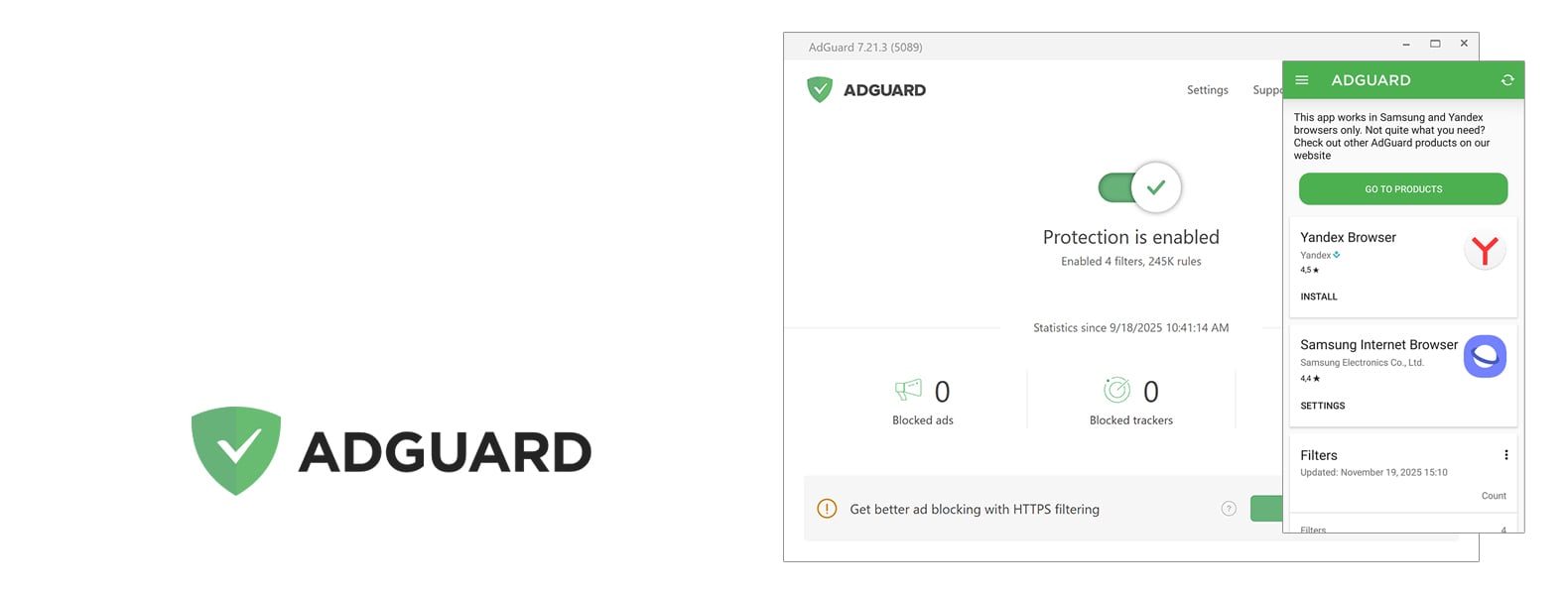
AdGuard stands out as the most capable and versatile ad-blocking solution in 2026, packing a feature-set that removes ads, secures your privacy, and has system-wide filtering capabilities that can take down ads in browsers, applications, and even YouTube videos, and sort out what comes into your network.
From its arsenal, the platform offers tools for phishing protection and sophisticated features, including Stealth Mode and HTTPS filtering. You can test the basic AdGuard browser extension for free, or opt for the paid versions that cover all your devices with annual or lifetime plans.
In hands-on testing, AdGuard delivered excellent results, blocking virtually all ads, including videos and pop-ups, and improving browsing speed and reducing data usage. It also scored top marks in anti-tracking tests, outperforming much of the competition, and bypassed anti-adblock measures like a hot knife through butter.
Some might find the top-tier price or setup a bit finicky, but the spotless browsing, cross-platform compatibility, and bulletproof privacy make AdGuard an investment worth considering if you want an all-around ad blocker and a fireproof privacy shield.
According to reviews on Trustpilot and Reddit, where it has basically flawless ratings, AdGuard has secured its place as one of the best ad blockers and privacy tools, and is popular among both the casual and the more advanced user.
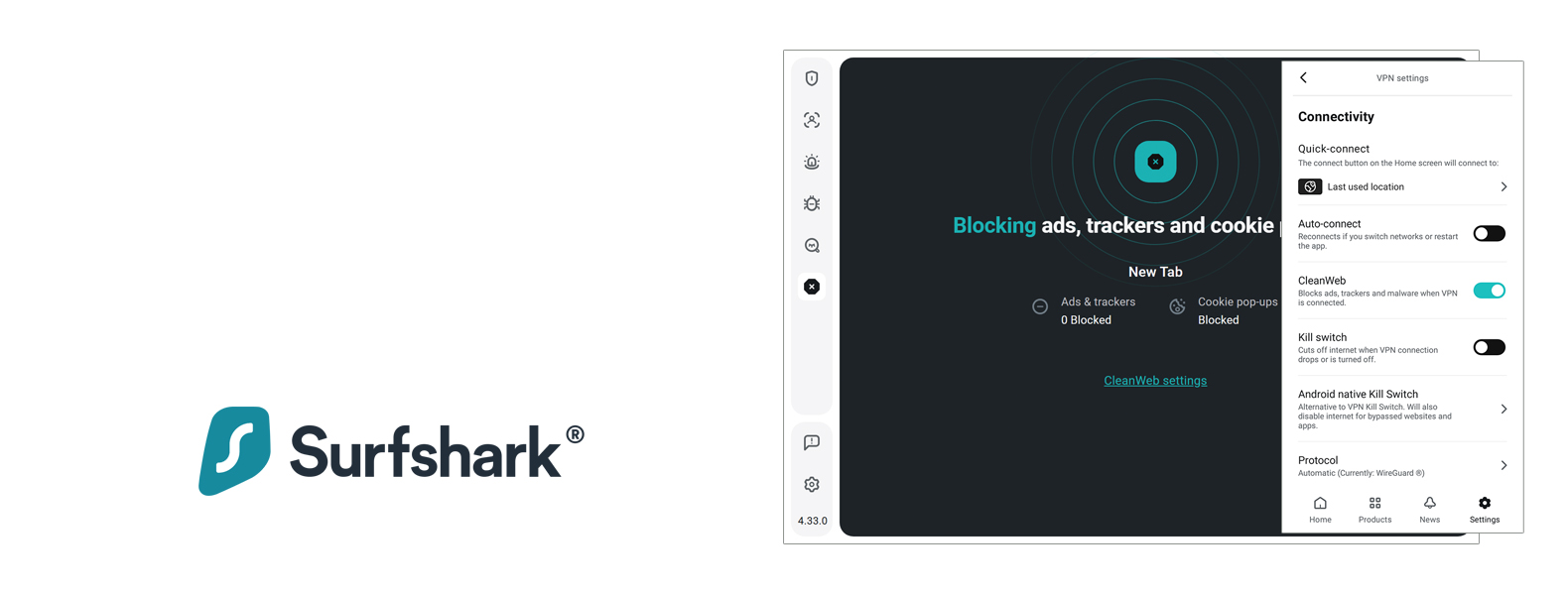
Taking second place, Surfshark CleanWeb is an advanced ad and tracker blocker built into Surfshark's VPN, designed to make browsing faster, safer, and distraction-free. Capable of removing intrusive ads, malicious websites, and speeding up your page loads, CleanWeb is available on major platforms including Windows, macOS, Android, iOS and browser extensions, and it's all neatly integrated so you don't need to install anything else.
It also helps prevent phishing attempts and blocks data-hungry trackers, preserving privacy and improving the overall browsing experience. Combined with Surfshark's secure VPN encryption and no-logs policy, it delivers strong all-around protection for everyday users.
Unfortunately, CleanWeb does rely on being connected to the Surfshark VPN service, and doesn't really function on its own, and won't be able to give you the sort of finely-tuned settings that a specialist ad blocker like uBlock Origin or AdGuard can.
Streaming platforms and a few websites may also figure out that you're using a VPN and block your access, but that's not the end of the world. Still, for users seeking a unified privacy and security solution with minimal setup, Surfshark CleanWeb stands out as a reliable, lightweight feature that adds value to Surfshark's VPN package.
3. Total Adblock - standing in the middle
Rating:
4.3
Number of devices covered:
6
Available on:
Windows, macOS, iOS, Android
Pricing:
Starts at $19.00/year, free limited version available
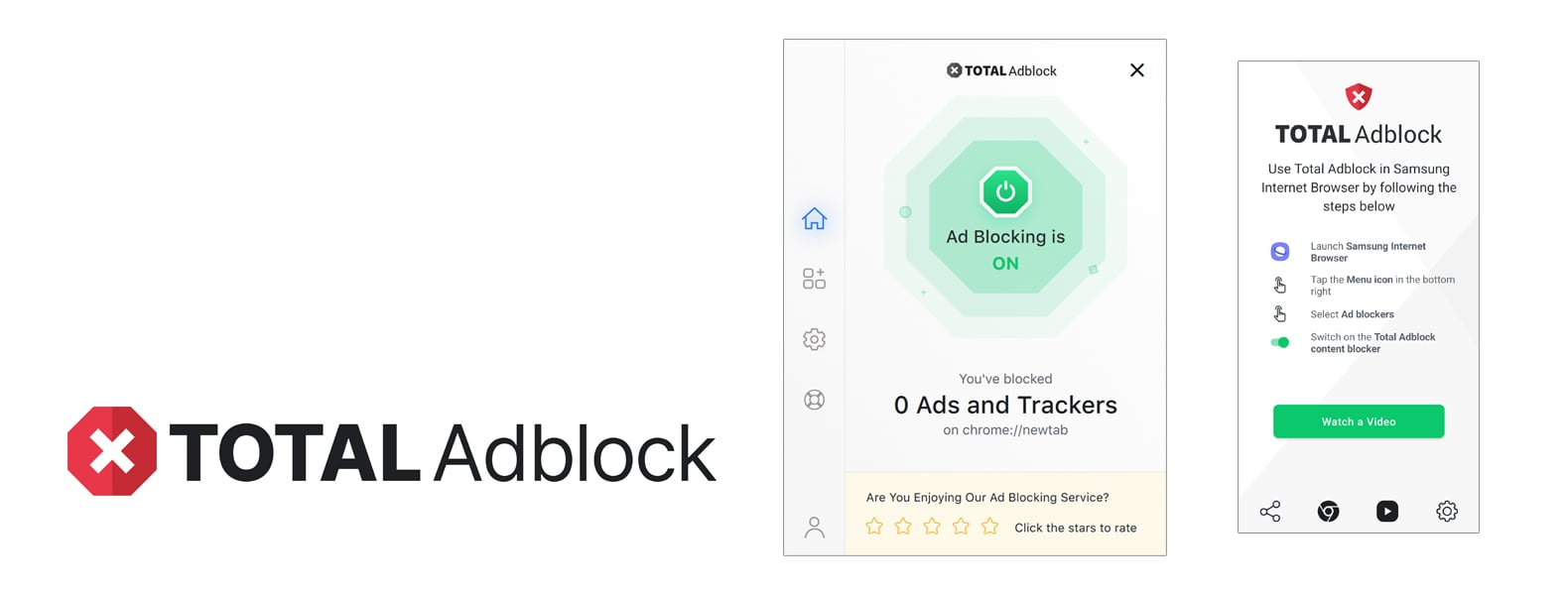
Coming in the middle is Total AdBlock. Developed by the creators of TotalAV antivirus, it is an all-in-one ad-blocking and security tool designed to deliver a smoother, faster, and safer browsing experience.
When testing, it excelled at removing nearly all forms of advertising, including YouTube video ads, while also blocking trackers and malicious domains.
Featuring an intuitive interface that functions seamlessly on both desktop and mobile devices, Total AdBlock requires minimal technical expertise, making it accessible to anyone.
However, the pricing strategy and sales techniques have not won over everyone. Coming in at around $19 for the first year, the renewal price jumps to a whopping $99 annually, and many users feel that's a bit steep for a service that's basically an ad-blocker. The free trial is also very restrictive, it's essentially a trial, and lots of people have struggled to cancel their subscriptions or turn off the auto-renewals.
Despite these drawbacks, Total AdBlock remains a powerful, hassle-free solution for users who value convenience, integrated protection, and premium performance, especially during the introductory period at a discounted rate.
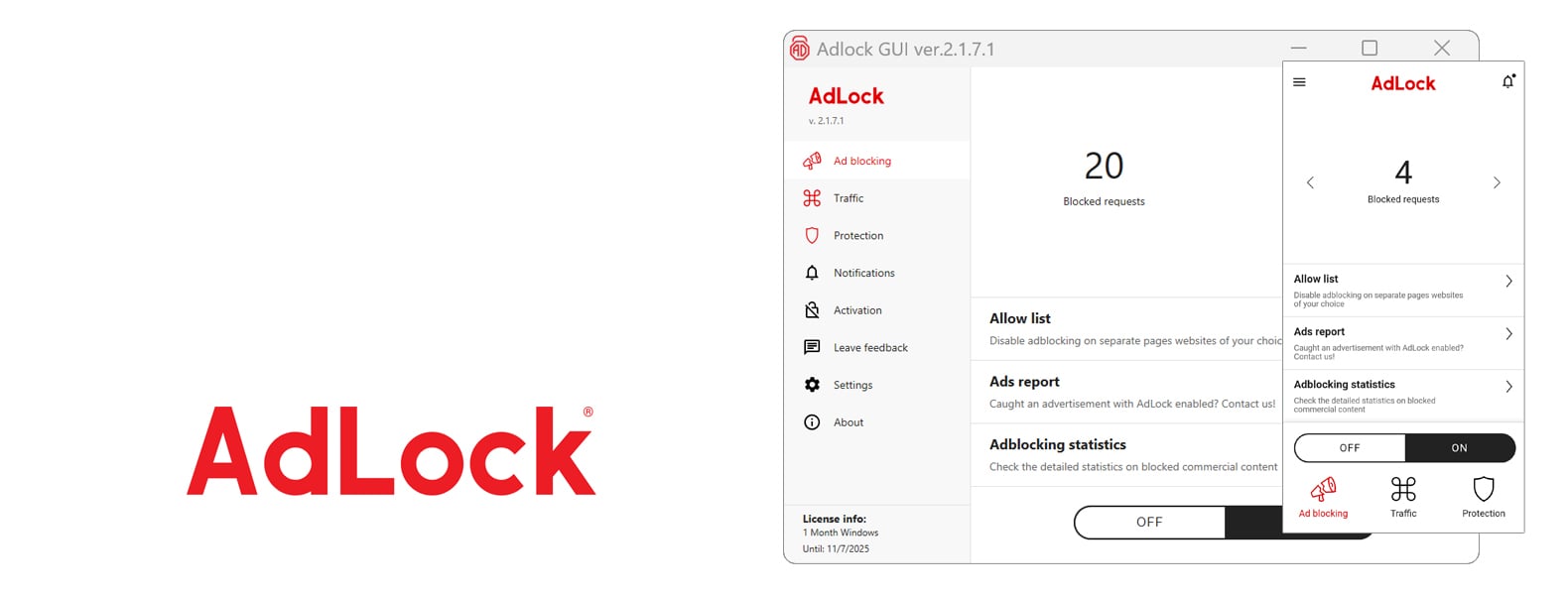
At 4th place, we have AdLock, a strong and most versatile option on the market. Available as a free browser extension and a premium, multi-platform app, AdLock provides comprehensive protection that extends beyond simple banner or pop-up blocking. In testing, AdLock effectively removed nearly all forms of advertising, including hard-to-block YouTube video ads, while maintaining a fast, clutter-free browsing experience.
It also provides additional safeguards, such as phishing and malware protection, anti-tracking tools, and the ability to make custom blacklists and whitelists.
With its comprehensive coverage, the Premium version is particularly appealing for anyone who wants full system coverage on up to five devices. It works perfectly with Windows, macOS, Android, and iOS. Coming down to $1 a month for long-term plans, AdLock is accessible and logical, throwing out anything in its way, and has a rock-solid stance on privacy.
However, AdLock isn't without its issues. Its Android app requires manual installation due to Google Play restrictions, and it cannot run alongside other VPN-based tools. While generally reliable, AdLock has experienced some minor glitches and inconsistent ad blocking on mobile devices, and user feedback has been mixed. However, the ad removal, multi-device functionality, and "no acceptable ads" policy make AdLock a real contender for those seeking a straightforward and effective ad blocker.
Last but definitely not least is Adblock Plus, one of the most well-known options. Available as a browser extension and a mobile app, this free tool is remarkably effective at removing most banner, pop-up, and sidebar ads with its widely recognized EasyList filters.
Although the setup process is straightforward and intuitive, more advanced users can customize their ad-blocking experience by delving into element blocking or creating their own custom filters. However, the 'Acceptable Ads' feature, which allows some ads to run by default, has been criticized for not doing enough to protect user privacy.
Adblock Plus Premium, priced at $40 per year, offers enhanced features that go beyond the standard capabilities, removing unwanted web annoyances such as cookie consent banners, floating video players, and newsletter pop-ups. The difference in quality of the free and premium versions is clear, and the former is good enough for most.
The performance of Adblock Plus in blocking ads is well-documented, and it has been scored highly in general tests. But still falters against the anti-adblock measures of YouTube and the tricky advanced tracking scripts. Despite mixed reviews, especially from privacy enthusiasts frustrated by its acceptable ads policy, Adblock Plus continues to serve as a reliable, accessible choice for the average internet user, offering a fair balance between usability and effectiveness.
Do you need an Ad Blocker in 2026?
You'll see that online ads are everywhere, from banner ads and pop-ups to unskippable video ads, and all of these can be reduced or eliminated with a reputable ad blocker. Ads can make websites cluttered and slow, and even worse. They may carry risks like malvertising that could infect your device.
An ad blocker will dramatically reduce these nuisances, giving you faster page loads, fewer distractions, and protection against malicious ads. In short, yes, an ad blocker remains essential for a cleaner, safer online experience in 2026.
Is a free Ad Blocker enough?
A free ad blocker is good enough for most people to handle everyday ad filtering. Adblockers like uBlock Origin and Adblock Plus are free and very effective at getting rid of most ads and trackers.
However, not all free ad blockers are created equal. Some of them, while free, might have trade-offs. Certain free extensions can participate in "acceptable ads" schemes, where they show ads to you in return for a fee or even sell your browsing data to third parties.
If you do choose a free option, opt for a reputable one, preferably open-source. This will enable you to enjoy an ad-free experience that will cost you nothing and will not risk your privacy.
Are paid Ad Blockers better than free?
Paid ad blockers aren't necessarily "better" at ad-blocking than free ones, but they often offer extra features and conveniences. Many free ones, such as uBlock Origin, are already really powerful and even more aggressive than some paid ones.
Where paid ad blockers start to stand out is the features they add and the support they offer, but those aren't necessarily related to ad-blocking itself. Paid options like AdGuard or Total Adblock can block ads right at the network or system level, so they can catch any ads being sent to any of the apps on your system, not just the one you're currently using.
They also come with features like advanced privacy filters, malware/phishing protection, and live customer support. A single subscription can cover many, if not all, of your devices. If all you're looking for is a web browser ad blocker, then a well-chosen free extension will probably be enough.
Will Ad Blockers block 100% of online ads?
No ad blocker can guarantee to block 100% of ads on the internet. The online advertising industry is constantly evolving, and it's a back-and-forth battle between the people who create ads and those who block them, with neither side ever getting the upper hand.
Top-notch ad blockers can squash most ads, including banners, pop-ups, pre-roll videos, and whatnot, but you may still run into a stray ad or two. Well-known reasons for this are websites using anti-adblocker scripts, brand-new ad formats that the filter lists haven't caught up with, and ads that are essentially part of the website's content.
Major platforms like YouTube, too, have been trying to get around ad blockers and so sometimes video ads slip past the filter, and require you to fiddle with your settings. Coming down to the bottom line, an ad blocker will cut down the number of ads you're exposed to, but won't knock out every last one of them.
How to reliably choose the best Ad Blocker?
When selecting an ad blocker, keep the following points in mind to ensure you choose a reliable and effective one:
Strong Ad-Blocking Performance: Pick a tool known for blocking a wide range of ad types (banner ads, pop-ups, video ads, etc.) without breaking the sites you visit. A good ad blocker should handle annoying overlay or video ads and provide lag-free browsing and streaming. Check independent tests or reviews to see how thoroughly it filters ads.
Privacy & Security Features: It's not just about eliminating ads. It's also about protecting yourself from being tracked, spied on, and attacked by malicious domains. This helps protect your privacy by stopping advertisers from profiling you, and it safeguards you from and stops the threat of "malvertising", malicious ads that carry malware. Features to look out for in an ad blocker are third-party cookie blocking, anti-tracking, and browsing security filters.
Customizability and Control: Opting for one that gives you the power to control what you allow and what you block is a must. The ability to whitelist specific websites or add custom filter rules will let you support the sites that you trust and fine-tune the types of ads that are blocked. Advanced users can also appreciate ad blockers that enable them to add additional filter lists and toggle blocking categories.
Lightweight and Compatible: A good ad blocker should run efficiently in the background without slowing down your browser or device. Quality blockers are designed to use minimal memory and CPU, even with many tabs open. Also, ensure the blocker is compatible with your preferred browsers and devices.
Check that the ad blocker is compatible with the browser (such as Chrome, Firefox, Safari, Edge, etc.) or the operating system (Windows, macOS, Android, iOS) that you're running. It should also have extensions for various browsers or applications that you can use and that will cover all of your devices.
Reputation and Support: Stick to an ad blocker from a reputable developer with a proven track record. Unfortunately, some free ad blockers with "too good to be true" promises may be harboring a secret agenda. They might inject their own ads or sell your data, and who wants that? Common open-source projects or ad blockers recommended by the tech press are usually safer and more likely to be trustworthy.
Another essential thing to check is how often the ad blocker is updated. Advertisers and their ads change very quickly, so a regularly updated blocker and a responsive developer, support, or community forum are basically guarantees that your blocker will be able to keep up.
FAQ
Are ad blockers legal?
Yes - in most countries, you're within your rights, and courts have agreed that users can filter out ads when using an ad blocker on their own devices. Running an ad blocker is basically up to you, similar to changing your browser settings.
Of course, websites aren't always happy about it, and may ask you to disable your blocker, but that's a business decision, not a legal one.
Can ad blockers remove YouTube ads and other video ads?
Using an ad blocker, you can block ads on YouTube and other video streaming services. In our tests, the top ad blockers completely stopped the pre-roll and mid-roll ads on YouTube.
However, the people behind YouTube and other video platforms are fighting back against ad blockers, and so you might run into a page that asks you to disable your blocker, or a video that won't play. Well-known ad blockers do a great job of removing most video ads, especially on desktop browsers. Unfortunately, mobile apps are much more resistant and may require a customised solution or a browser with built-in ad blocking.
Should I use more than one ad blocker at the same time?
Generally, no. When considering ad blockers, it's tempting to install multiple ones to get the best protection, but using more than one can cause issues. Some of which were brought to the fore when users discovered that using two ad blockers at once can lead to web pages breaking and trigger anti-adblock measures, with services such as YouTube being able to detect a user with greater ease.
In fact, a recent case saw a user experiencing issues on YouTube, which cleared up once they disabled the extra blocker and stuck to just one, uBlock Origin.
Excessive use of multiple extensions also eats up more memory and CPU power, basically slowing down your browser. So, picking one high-quality ad blocker and configuring it properly is probably the best way to go. If you think the one you're using isn't up to the task, it's better to change to a more effective one or update its filtering lists.
Will using an ad blocker break some websites or cause issues?
In most cases, browsing with an ad blocker is seamless - you'll simply see fewer ads. However, there are times when an ad blocker might interfere with a website's functionality. Some websites detect ad blockers and may restrict access or ask you to disable them to view content.
A particularly aggressive ad blocker might block non-ad elements that it misidentifies as ads, like website features or videos. The good news is, all reputable ad blockers have a system that allows you to make exceptions. If a site you know is trustworthy isn't working correctly because of your ad blocker, you can whitelist it, which can be done with a few clicks.
Serious breakages are not the norm, and the benefits of an ad blocker usually far outweigh the rare problems you might encounter.
AdGuard is an ad-blocking solution that not only gets rid of annoying ads but also takes down trackers on websites and apps, all of which is made possible because it works at the network level. Unlike the competition, AdGuard is available for Windows, macOS, Android, and iOS.
When looking for a way to block intrusive ads, Adblock Plus is one of the go-to solutions. It's famous for its browser extensions and mobile apps. In our review, we'll dissect Adblock Plus through the lens of our internal testing and analysis.
Total AdBlock is designed to give you a seamless experience by blocking ads, protecting you from malware and viruses, and speeding up your web browsing time. Developed by the team behind TotalAV antivirus, this ad-blocker is here to be an all-in-one shield for your internet.
As AdLock was released, it presented itself as a multi-platform ad blocker that comes as a free browser extension and a paid standalone app. The company aims to thoroughly eliminate the most obnoxious ads and give users a clean, faster, and private browsing experience.
When you sign up for Surfshark VPN, you'll also access their CleanWeb feature, a powerful ad-blocker that sweeps away ads, trackers, and malicious websites from all your devices. This review looks at Surfshark CleanWeb's pricing, features, and performance in our tests.