Our reviews are written by Internet security experts. Learn more.
Each year, we at PCrisk.com conduct in-house tests of popular antivirus software to help our readers choose the best protection for their computers. With a team experienced in malware research and removal, we use real-life malware samples (ransomware, adware, spyware, etc.) to evaluate how well each program detects and removes threats.
This hands-on approach means our reviews reflect real-world effectiveness, not just lab conditions, and we are entirely independent from any antivirus vendor. You can rest assured that our assessments are as objective as possible. Below, we present our top antivirus picks for 2026 based on the latest in-house testing.
Note: When ranking the best antivirus programs, we've combined the results of our in-house malware protection tests and looked at the ratings from other reliable sources. The 'best' option depends on your situation, including the number of devices you want to protect, the features you need, and how much you're willing to spend. We recommend reading our full reviews of each product for more details.
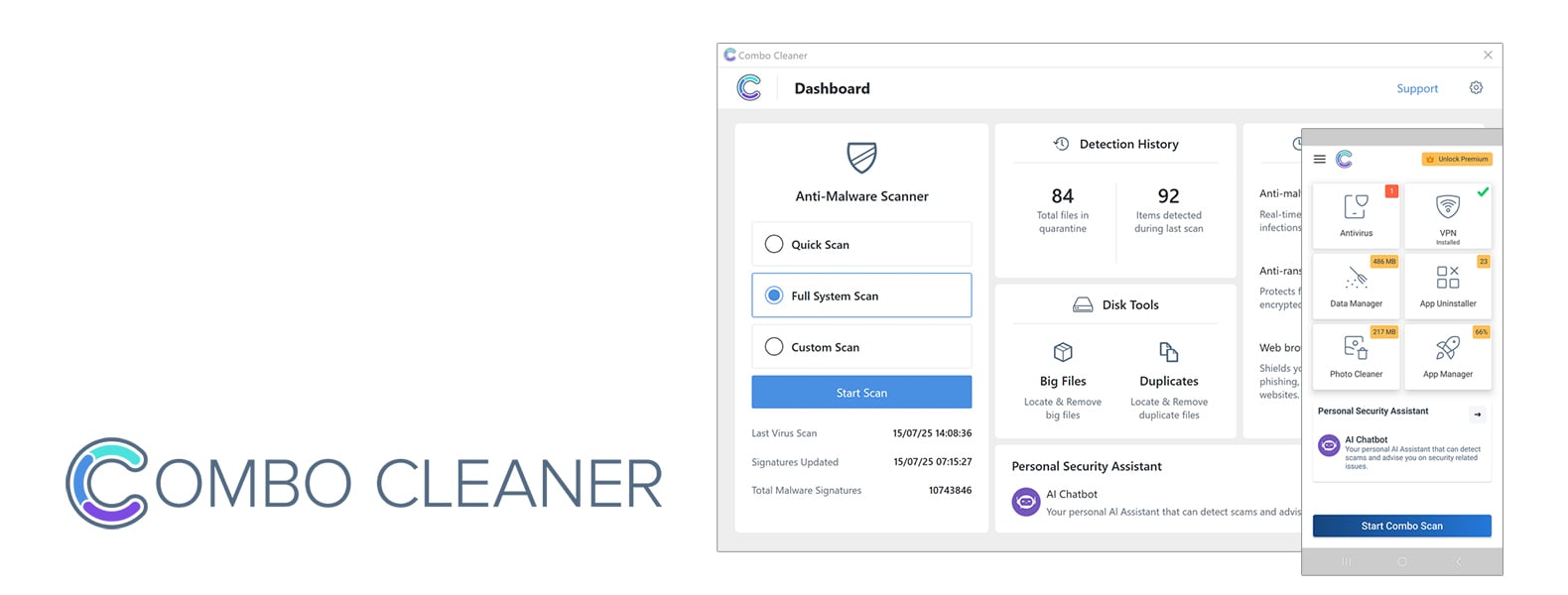
Combo Cleaner Antivirus - editor's recommendation
Number of devices covered:
1-10
Available on:
Windows, macOS, iOS, Android
Pricing:
Starts at $33.57/semi-annually, free trial available
Combo Cleaner is owned and operated by RCS LT, the parent company of PCRisk.com
For over a decade, PCRisk has been a trusted authority in malware research. Our daily engagement with malware and cybersecurity threats uniquely positions us to evaluate and recommend the most effective internet security solutions. Through rigorous in-house testing, we are able to provide informed insights to help you select the tools that best meet your needs.
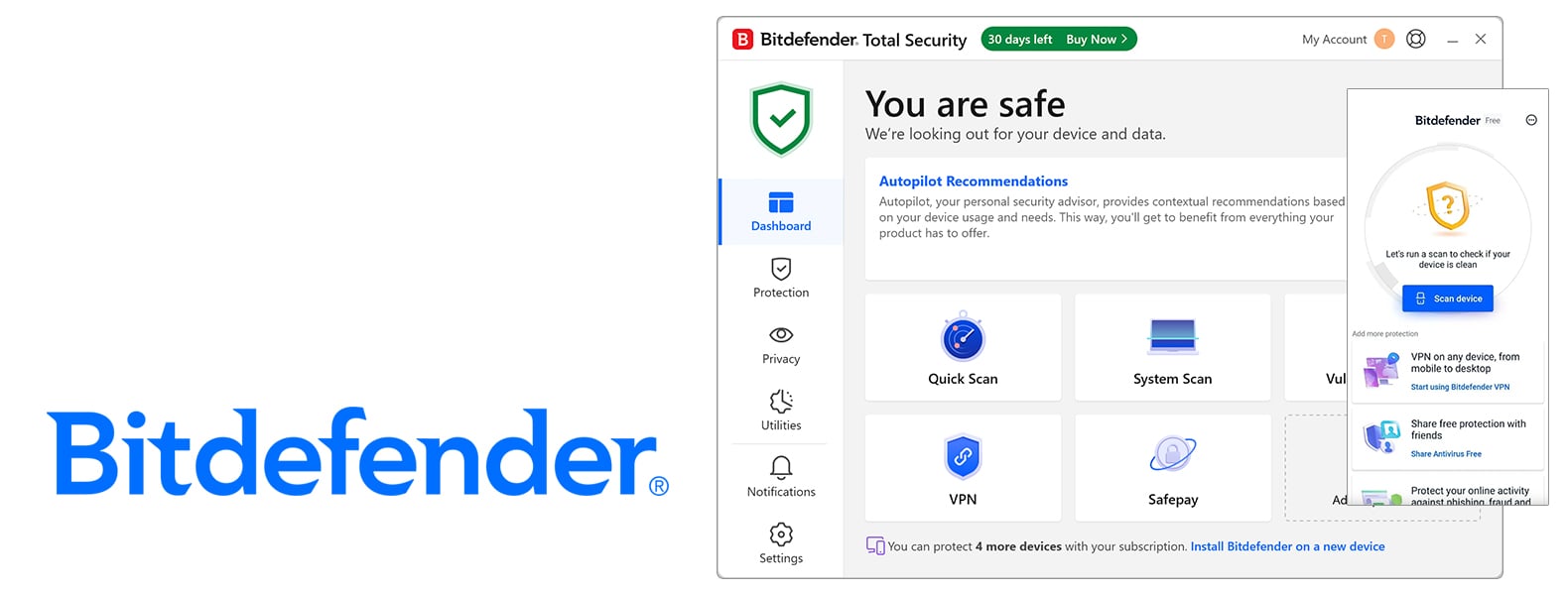
Bitdefender takes top honors as the go-to antivirus suite in 2026. Its impressive malware detection capabilities and an array of features have consistently ranked it at the top in independent lab tests and our in-house evaluations.
As a comprehensive antivirus engine, Bitdefender includes a snappy firewall, multi-layered ransomware protection, parental controls, a secure browser for online banking, and a reliable password manager. It also includes system optimization tools and a built-in VPN. However, for most plans, the VPN comes with a cap of 200 MB/day. Although its protection is top-notch, Bitdefender isn't too heavy-handed and won't slow down your system.
Pricing ranges from the free Windows-only edition to the feature-packed Total, Premium, and Ultimate Security tiers that cover multiple devices and add unlimited VPN or identity theft protection. Bitdefender has got it all wrapped up. Its intuitive interface and straightforward setup make it accessible to newbies but also offer enough customization options for power users, the only drawbacks being the weak iOS app functionality and the VPN cap on the cheaper plans. Nonetheless, Bitdefender is an industry leading, reliable, all-around security solution for anyone, from home users to families.
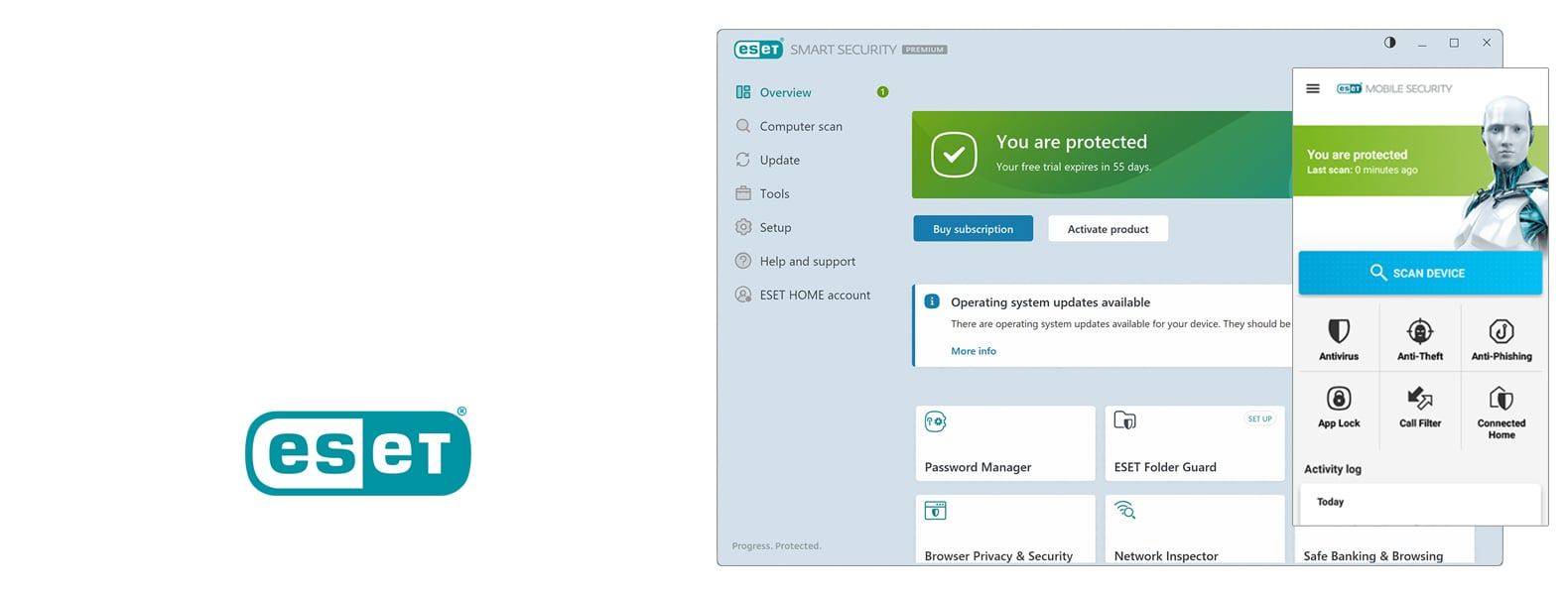
ESET, another heavy hitter in the antivirus market, continues to be at the top in 2026, balancing robust protection with lightweight performance and flexibility. Boasting almost perfect AV-TEST scores and the number one spot in AV-Comparatives, its malware detection is consistently top-notch and doesn't strain system resources.
ESET layers up its protection with real-time scanning, ransomware and exploit blocking, network defenses, and functional extras such as a firewall, anti-theft, secure browser, and some optional goodies like password management and file encryption. The software's interface is clean and intuitive, with advanced customization available for power users, though beginners may find find the settings a bit overwhelming.
The company has tiered pricing, starting with the basic NOD32 Antivirus for individual device protection and moving up to the top-of-the-line Security Ultimate, which offers unlimited VPN and identity theft protection. While the top tier is quite expensive, lower plans like Internet Security and Premium deliver solid value for most users.
ESET's Android app is among the best in mobile protection, though iOS support is limited due to system restrictions. Overall, ESET provides outstanding, low-impact protection backed by strong independent test results, ESET is the go-to choice for anyone who wants rock-solid, customizable, and privacy-respecting antivirus software.
3. Malwarebytes Antivirus - standing in the middle
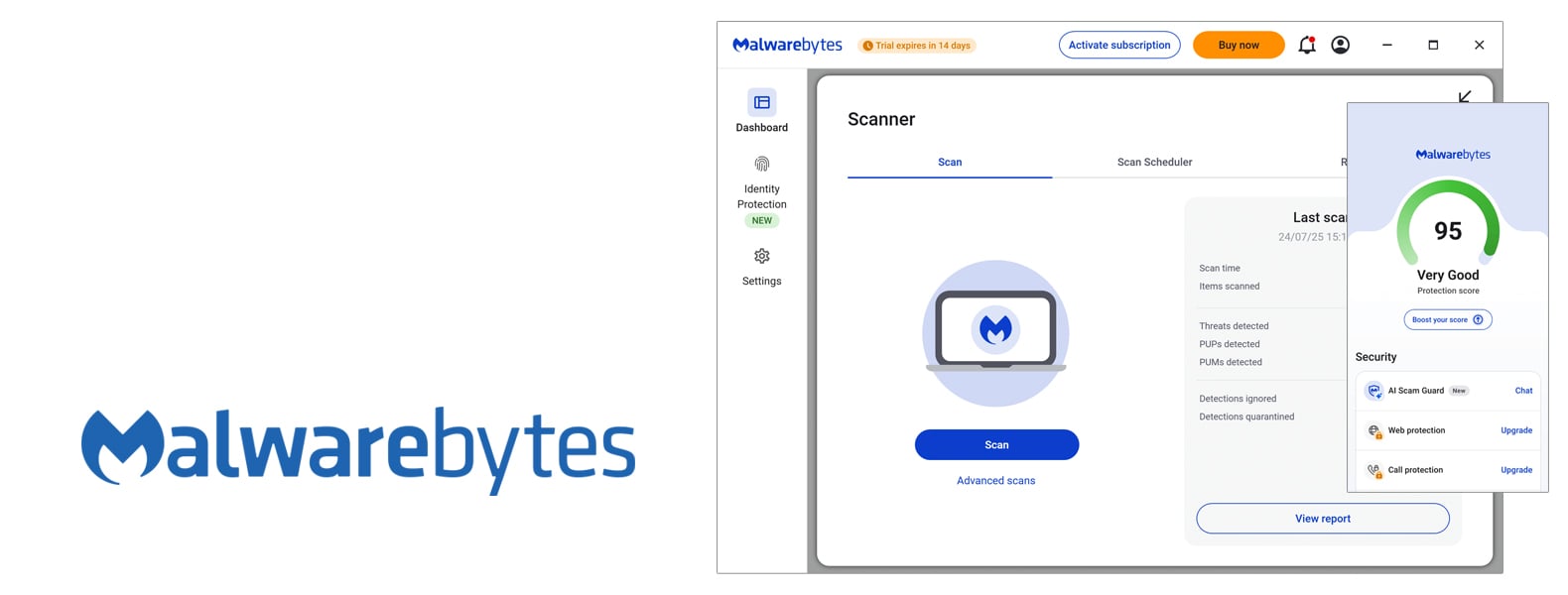
Malwarebytes has gone from a basic malware remover to a full-on antivirus that provides robust real-time protection across Windows, macOS, Android, and iOS devices. At the heart of its success is the ability to detect and block malware, ransomware, and phishing attacks, with virtually no slowdowns and a very intuitive interface.
It's using behavior-based and signature-based detection, boosted by an strong anti-exploit feature and top-notch web protection. unlike all-in-one internet security suites, Malwarebytes lacks extras such as a firewall, parental controls, or system optimization tools, keeping its focus squarely on security and privacy.
Pricing is competitive, especially for multi-device plans, with the top-of-the-line Premium version covering up to 20 devices, and the Ultimate plan adding in VPN and identity theft protection. Independent lab tests and in-house evaluations show high detection rates and minimal system impact, though occasional false positive detections happen.
Mobile editions mimic the desktop experience, sending out web filters, scam protection, and privacy tools. Although some people have voiced frustration over the automatic renewal and support delays, most users praise Malwarebytes for its dead-simple interface, reliability, and powerful protection. It's a top pick for anyone who wants serious, no-nonsense security without clutter.
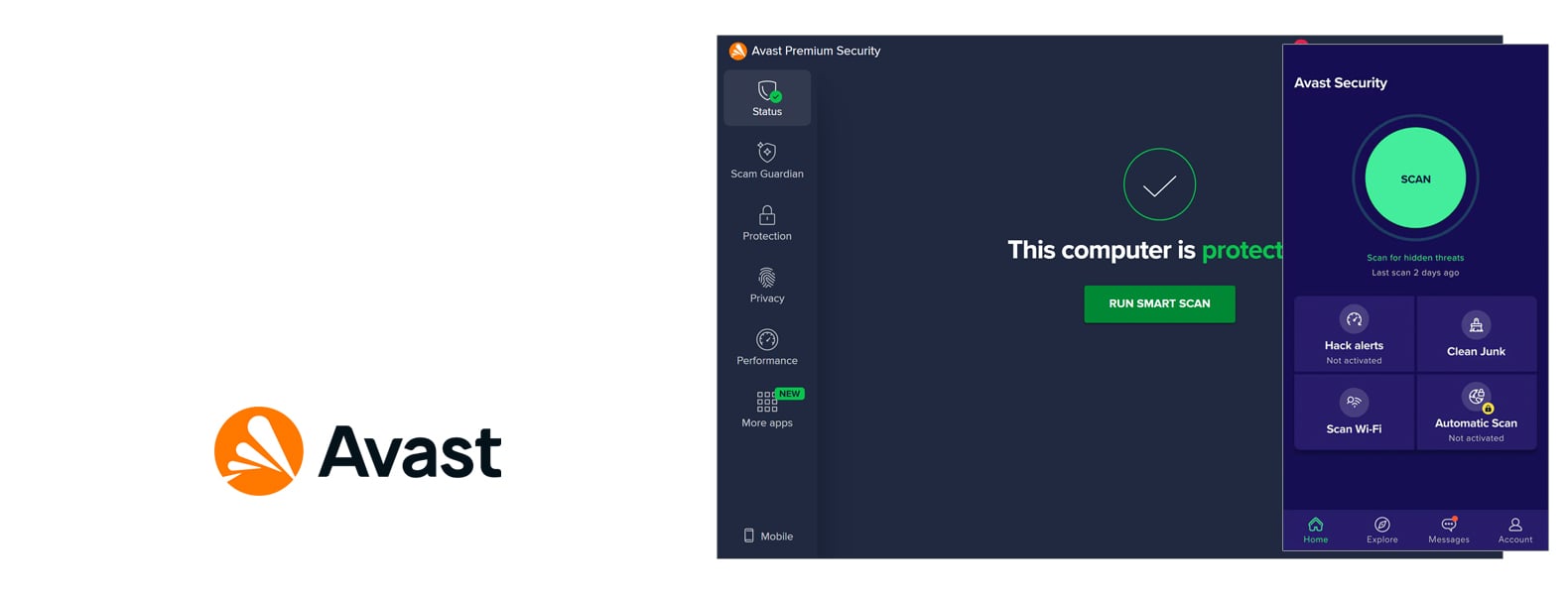
Avast offers excellent protection, a generous free version, and plenty of features for both casual and advanced users alike. According to independent lab tests, it is the best in the business for malware detection, ransomware defense, and system performance, and earned almost-perfect scores from AV-TEST and AV-Comparatives.
Even the free version provides comprehensive protection - including real-time scanning, phishing defense, and a built-in firewall - making it one of the best no-cost options available. The paid tiers expand on this with extras like ransomware and webcam protection, a sandbox, and a full-fledged VPN that doesn't kill system performance.
Avast's higher-end plans, Avast Ultimate and Avast One, merge antivirus protection with a VPN, anti-tracking, system cleaning, and identity theft protection to provide a complete suite beyond basic protection. Avast's Android mobile app is considered one of the best on the market, while iOS users get top-notch privacy and network security tools.
One thing to watch out for is the occasional nag in the free version and the lingering unease from the 2020 data collection scandal, but Avast has since cleaned up its act. Avast's performance, efficacy, and flexibility are what set it apart, and range from a solid free option all the way up to comprehensive plans for families and heavy users.
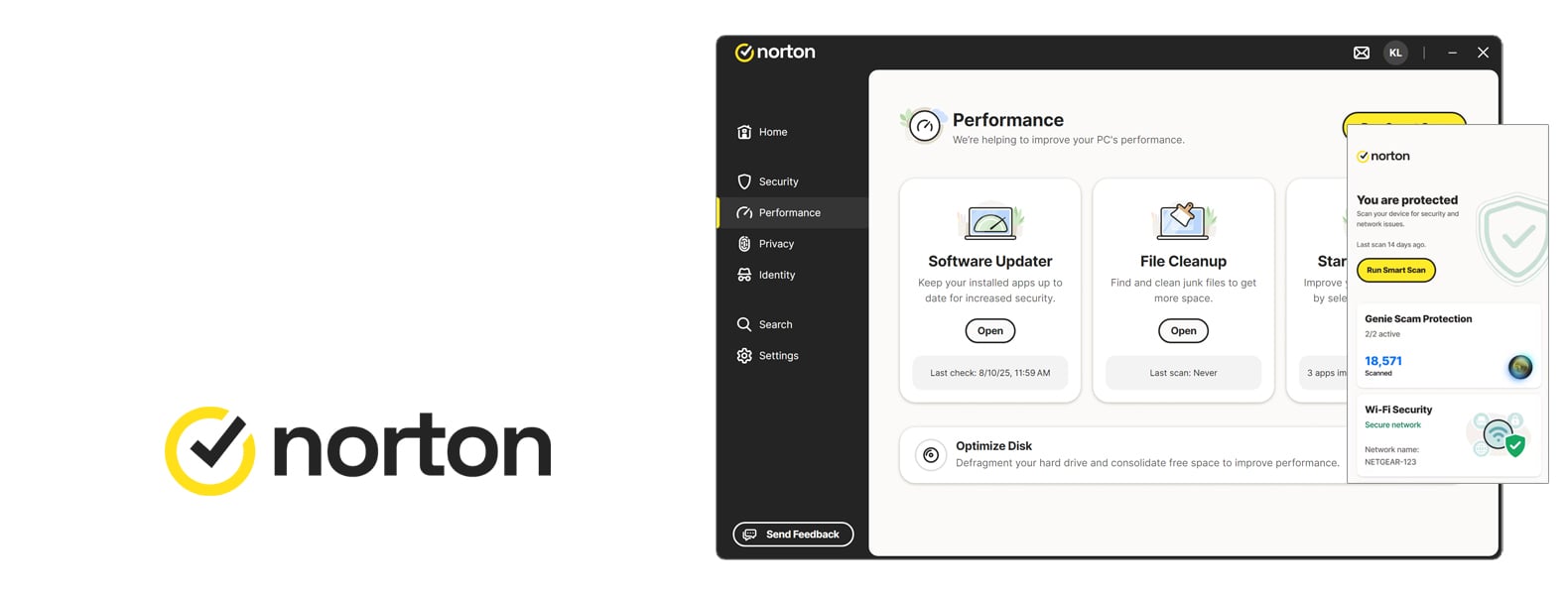
Norton combines powerful protection, a rich feature set, and excellent cross-platform compatibility. Its malware detection rates continue to be outstanding, confirmed by top scores from AV-TEST, AV-Comparatives, and SE Labs, and it delivers strong results in ransomware, phishing, and real-time protection tests.
Beyond antivirus scanning, Norton 360 includes a clever firewall, password manager, VPN with unlimited data, cloud backup, parental controls, and dark web monitoring. The suite also includes performance enhancers and identity theft protection (LifeLock in the US). You won't be able to get much more from any other antivirus software. Although the interface can be fragmented across certain tools, the setup and everyday use are really straightforward, and anyone can get by without too much trouble.
Norton's price starts at a reasonable level but goes through the roof on renewal, which is its only major complaint. However, if you want multi-device protection that works with Windows, macOS, Android, and iOS, Norton 360 delivers long-term value that's worth the cost. It also sips up resources, so it won't slow down older systems.
Do You Need Antivirus Software in 2026?
Yes, regarding cybersecurity, built-in protections have become more sophisticated, but dedicated antivirus software is still the best way to stay safe online, and in 2026, it's no exception. Cybercriminals have consistently found new ways to steal data and extort money, and the online threat landscape continues to evolve.
A new, improved wave of malware types (ransomware, trojans, spyware, etc.) has emerged. Legitimate websites can sometimes host malicious ads or hidden exploits that, even with the finest browsing practices, can result in infections. Since they now do so much more than merely spotting viruses, many contemporary antivirus suites include tools to watch out for identity theft, safe browsing, and more, to safeguard your personal information.
Is a Free Antivirus Enough to Protect My Device?
When discussing computer protection, the free antivirus programs that come with your operating system should not be underestimated. For example, the built-in Microsoft Defender on Windows is a lot better than it used to be, covering the basics of real-time scanning, automatic updates, and some anti-phishing protection.
Most free antivirus programs are based on the same fundamental scanning engine as their paid versions, so they can pretty much match their ability to catch viruses and common malware. Free antiviruses fall short because they don't have any of the high-end features. They also don't usually have the level of dedicated support that you get with a paid option.
Paid antivirus suites give you the peace of mind and comprehensive security you get from features like ransomware rollback, firewall control, secure browsers, parental controls, VPN services, and identity theft monitoring, all things that aren't available in free AVs.
Are Paid Antivirus Programs Better than Windows Defender?
Microsoft Defender on Windows 10/11 has gone from being a basic security measure to a top-of-the-line tool. Recent tests show it's almost on par with many paid antivirus software. It gives users real-time virus protection, cloud-based updates, and some network and ransomware protection, all completely free and built in. However, paid antivirus programs can be "better" in several ways:
• Advanced Features: When it comes to security software to protect your computer, paid suites offer a higher level of protection than Windows Defender can. They contain features such as behaviour-based detection for zero-day threats, ransomware protection, secure banking browsers, password managers, and VPNs. These features can greatly enhance your overall security beyond just virus scanning.
• Cross-Platform Support: When discussing cross-platform protection, paid third-party solutions allow you to cover multiple operating systems, such as Windows, Mac, Android, and iOS, all under one licence. Microsoft Defender's full capabilities are Windows-only (though Microsoft has a separate Defender for mobile, it's not as comprehensive as some competitors' offerings).
• User Interface & Support: Premium options offer more intuitive interfaces, regular updates, and a helpdesk to call when something goes wrong. Unfortunately, Microsoft Defender does not have a dedicated support line. Any assistance you receive would be through the Windows/Microsoft forums, and it is basically only available to business customers.
Windows Defender is an excellent free antivirus software that may be enough for low-risk users. However, paid antiviruses can be considered "better" when you require broader protection, extra features, and services beyond what Defender provides.
Will Antivirus Protect My Device 100%?
No, no antivirus can guarantee 100% protection against all threats. Even the top-tier programs can't anticipate every new threat that emerges, often missing zero-day attacks or targeted malware that isn't yet in their database.
Although antivirus software is highly effective and has been known to catch as much as 95 to 99% of common threats, a 100% catch rate is still unrealistic. Cybersecurity, as a rule, is built on layers, and having antivirus software is just one piece in that puzzle; in addition to practicing safe browsing, up-to-date operating systems, apps, and anti-phishing tools are, or a firewall that's turned on.
In summary, an antivirus will hugely improve your safety, but cannot make you invulnerable - a bit of user caution is still necessary. If a threat does bypass your antivirus, vendors often release updates quickly to address it, and having backups of your data is wise in case of a worst-case scenario.
How to Reliably Choose the Best Antivirus Software?
Selecting the right antivirus software comes down to evaluating several key factors. Here are essential points to consider (and compare) when choosing a reliable antivirus:
• Protection & Detection Rates: Check out the independent lab results. Reputable ones like AV-TEST and AV-Comparatives give a clear idea of a product's efficacy. A quality antivirus should consistently catch known viruses, trojans, spyware, and more—ideally with certified 99%+ detection in real-world tests.
• Ease of Use: User-friendliness matters, especially if you're not an IT expert. The software should have an intuitive interface with clear options for scans, settings, and viewing alerts. Look for features like one-click scanning and automatic handling of threats (quarantine/delete) so you're not bombarded with confusing questions. An easy-to-use antivirus will protect you (since you're less likely to turn it off or ignore it).
• Additional Features: Consider what extra tools you may need beyond basic virus scanning. Many suites come with a plethora of features, such as firewall protection, anti-phishing filters for web browsing, ransomware shields, a VPN for privacy, password managers, parental controls, file shredders or encryption tools, and system tune-up utilities.
Not all users need all of these, so make sure the antivirus you choose has the features you find valuable or offers a tier that matches your level of requirements. Also, be careful of suites that are bloated with features you won't use.
• Multi-Device & Compatibility: Consider all the devices you need to protect, including Windows PCs, Macs, Androids, and iOS. There's no point in getting an antivirus that doesn't cover all of them, so choose one that does.
• Reputation & Support: Go for well-known brands with a reputation for high quality and reliability, as these companies tend to have fewer problems. Check the level of customer support they offer, like whether they include 24/7 tech support or live chat, so that if something goes wrong or you get a false positive, they're there to help you sort it out.
• Price & Value: It's essential to weigh the cost against what you get, as being more expensive doesn't mean it's better. Check how many devices a subscription covers, and for how long. Some antivirus providers throw in a discount for the first year, so be aware that renewal prices may differ. Take advantage of free trials or free versions to test the software's interface and performance on your system before you buy. Look out for a money-back guarantee policy, which will allow you to return your purchase if unsatisfied.
FAQ
Do Macs need antivirus software?
Yes, Macs can benefit from antivirus protection. While macOS has built-in security (like Gatekeeper and XProtect) and there are fewer viruses targeting Macs than Windows, Macs are not immune to malware. However, Mac-specific malware like adware, spyware, and trojans can still get past Apple's defences, especially if it's brand-new, extremely sophisticated, or comes in via a fake app or poisoned download.
A good third-party Mac antivirus provides an extra layer by scanning for a wide range of threats (including Windows malware that you wouldn't want to accidentally pass on). It also adds features like safe browsing or cleanup tools that macOS alone might not offer. In short, installing an antivirus program is a wise precaution if you use a Mac, especially if you frequently download software from outside the App Store.
Do smartphones and tablets need antivirus protection?
Whether your smartphone or tablet needs antivirus protection depends on the type of device and your usage. Android is a more open platform, which means you can install apps from outside the Google Play Store - this flexibility can introduce malware if you're not careful. Even the Google Play Store has its fair share of malicious apps that can be missed by Google's screening process. Established antivirus software for Androids can save the day by nipping these problems in the bud.
iPhones and iPads have a reputation for being pretty safe, thanks to Apple's strict app sandboxing and App Store reviews. Since Apple doesn't allow deep system scanning, traditional antivirus software isn't a viable option for iOS. As a result, most "security" apps focus more on VPNs, identity protection, and anti-theft than virus scanning.
If you're sticking to official apps and are keeping your iPhone updated, you're unlikely to need a conventional antivirus.
Can I run two antivirus programs at the same time for extra protection?
You should only run one antivirus program at a time. Installing two full antivirus programs on your computer isn't a good idea. Two antivirus programs clash, each trying to quarantine the other's files or "duel" over a virus. This will not only cause problems but also drag down your computer's performance and, in some cases, reduce the effectiveness of the protection. When two scanners run simultaneously, the real-time engines may interfere, sending out false alarms or completely missing threats.
How often should I update and scan my computer with an antivirus?
In terms of updating your antivirus, most modern programs will automatically download and install the latest definition and software updates in the background. As long as the update feature is enabled, which it is by default, your AV will be running on the latest threat definitions. As for scans, it's wise to do a full system scan regularly. A common recommendation is to run a thorough scan about once a week.
What should I do if my antivirus finds a threat on my device?
• Allow the antivirus to take action: When your antivirus software detects a threat, it will often ask you what to do with it. Most of the time, it will recommend removing or quarantining the threat, which basically isolates the file so it can't run anymore. The recommended action is usually the best choice, and it will likely be carried out automatically.
• Restart and re-scan: After the threat is removed, it's a good idea to reboot your computer. Then run another full scan to ensure no traces are left and no additional threats are lurking. Sometimes one malware dropper can bring friends, so a second scan verifies everything is clean.
• Update your system and software: Ensure your operating system is updated to patch any vulnerabilities the malware might have exploited. Also, update your other programs (browsers, plugins) if possible to prevent reinfection.
• Change passwords if needed: If the detected malware was a trojan, keylogger, or anything that might have stolen information, consider changing your passwords (especially for sensitive accounts like email or banking) once your system is confirmed clean.
• Seek help if removal fails: In the rare case your antivirus cannot remove the threat or it keeps coming back, you'll need a specialized removal tool. Booting your computer into Safe Mode and scanning from there can also be a good idea, and you can run an alternative scanner to double-check. If the infection still persists, contact the antivirus's technical support or consult a tech professional to help resolve the problem.
Combo Cleaner is an all-in-one solution developed by RCS LT, the company behind PCrisk.com. Making a powerful entrance as a comprehensive antivirus and system optimization solution, it's here to shield you from various threats on Windows, macOS, Android, and iOS.
McAfee offers an extensive lineup of antivirus software, each adding more features. McAfee's core security features provide comprehensive protection against viruses, online threats, and malicious behavior. All versions support Windows, macOS, Android, and iOS devices.
Avira is a German antivirus brand that's been around for years. It has been part of Gen Digital, the same company behind Norton, Avast, and AVG, since 2021. Avira offers one of the most generous free antivirus plans out there, combined with several paid options.
With over 100 million users, ESET has built a reputation for delivering top-notch malware protection and high performance. In our review, we'll examine ESET's home antivirus in detail. Pricing, plans, security features, lab test results, you'll find it all in this review.
Considering the best cybersecurity solution, Avast is one of the most recognisable brands out there. It now offers antivirus software for multiple platforms, including Windows, Mac, Android, and iOS. Here we test capabilities of the latest Avast's version.
Regarding cybersecurity, Bitdefender is an industry leader that consistently ranks high among top antivirus providers. Its blend of exceptional malware detection and feature-packed security software makes it the go-to security suite for home users.
Malwarebytes has traveled a long road from being a basic malware cleanup tool to a full antivirus program protecting home users across many platforms. In this review, we take a close look at Malwarebytes Premium's pricing, features, and power (or lack thereof) to protect.
When looking for a reputable name in the cybersecurity world, Norton is one of the first that comes to mind. This brand has been protecting computer systems for over two decades. Here, PCrisk.com will dissect Norton's capabilities, weighing in on features, price, and performance.