
We may earn commissions from products we recommend. Learn more.
Best VPNs for Warzone bot lobbies in 2026

Best VPNs for Call of Duty: Warzone bot lobbies in 2026
At PCrisk, we believe Warzone VPN guides are only helpful if they are honest. A VPN will not instantly make every match easy. What it does is give you access to more matchmaking regions, let you play during quieter hours, protect your IP address, and sometimes make skill-based matchmaking feel less harsh if you choose the right location and time. On the other hand, a bad VPN can increase your lag, be hard to set up, and offer no real advantage.
For this article, we considered only VPNs featured in PCrisk’s 2026 coverage and ranked them for Warzone based on how well they work for gaming, not just privacy. All five VPNs featured here are good overall, but they each help Warzone players in different ways, which matters if you want easier lobbies without ruining your ping.
Play COD Warzone with NordVPNSpecial deal30-day money-back guarantee→
Table of Contents:
- Introduction
- Why use a VPN for COD Warzone
- How to use a VPN for COD Warzone
- Best VPNs for COD comparison
- Best VPNs for COD Warzone
- Best VPN location for Warzone bot lobbies
- How we test VPNs for Warzone
- Will using a VPN get me banned from COD Warzone?
- Wrapping up
- Frequently asked questions (FAQs)
Why use a VPN for COD Warzone
Most Warzone players use a VPN for more matchmaking options. Connecting to a region with fewer players, especially during off-peak hours, often fills lobbies faster than matching skill levels perfectly. This usually means facing easier opponents and getting the "bot lobby" experience many players want. Think of it as easier matchmaking, not a guarantee of all-AI matches.
Another reason is to protect your IP address. If you stream, play for money, compete in ranked modes, or just meet the wrong people online, hiding your home IP is a smart move. A VPN can help prevent DoS attacks by hiding your real IP, and Xbox support also suggests using a VPN to protect against DoS and DDoS harassment. It won’t make you invincible, but it does hide your real network address.
Our top recommendation for streaming and privacy. NordVPN consistently leads our tests with fast speeds, reliable geo-unblocking, and a strict no-logs policy.
- ✔ Unblocks geo-restricted streaming services reliably
- ✔ 202+ locations across 111 countries
- ✔ 30-day money-back guarantee · Special deal available
The third reason is to keep your connection stable. A good VPN can help if your internet provider handles game traffic poorly, if your route to a region is bad, or if you want more control over your connection. But to be clear, a VPN usually does not lower your ping. Most of the time, it adds a bit of lag because your data goes through another server. The aim is to keep this extra lag small while letting you access other regions and protect your IP.
That’s why VPN quality is so important for Warzone. Bad VPNs can cause more lag, disconnects, and unstable gameplay, making region-hopping useless. This is also why we only recommend premium VPNs with fast protocols like NordLynx, WireGuard, or Lightway for Warzone, BO6, or MW3. Slow protocols and crowded servers ruin the experience.
A VPN is also helpful if you want one tool for all COD games. We believe NordVPN is the best overall choice for Warzone, Black Ops 6, and Modern Warfare 3 because it offers wide server coverage, fast protocols, stable connections, and plenty of locations to try for easier matches.
How to use a VPN for COD Warzone
Here’s how we’d set up Warzone with NordVPN today. It’s straightforward on PC and a bit trickier on console, but the main idea is the same: connect before starting the game, pick a good region, and watch your latency.
Top VPN ReviewsExclusive dealsExpert-tested · hands-on reviews→
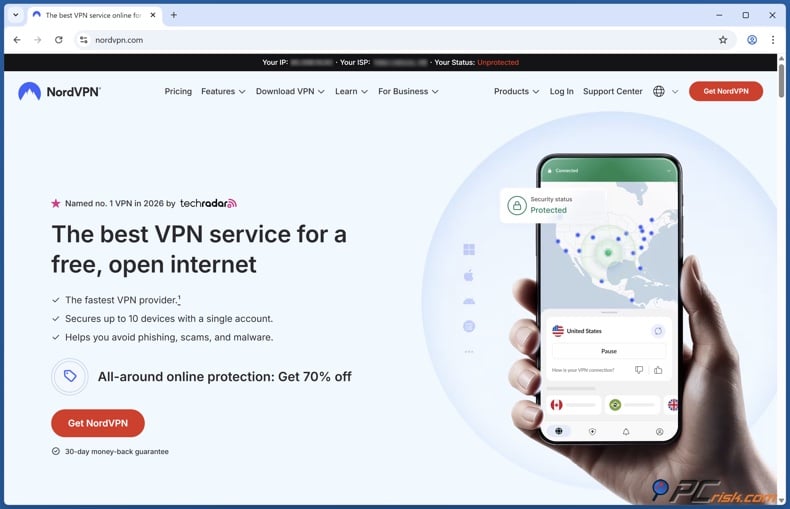
1. Install NordVPN on the device you use to play Warzone. For PC, that’s your Windows computer. For PlayStation or Xbox, the simplest way is to share a VPN connection from a Windows hotspot or use a router setup, since consoles don’t have native VPN apps. We found that sharing the VPN from a computer using a mobile hotspot or Ethernet was the easiest method for consoles.
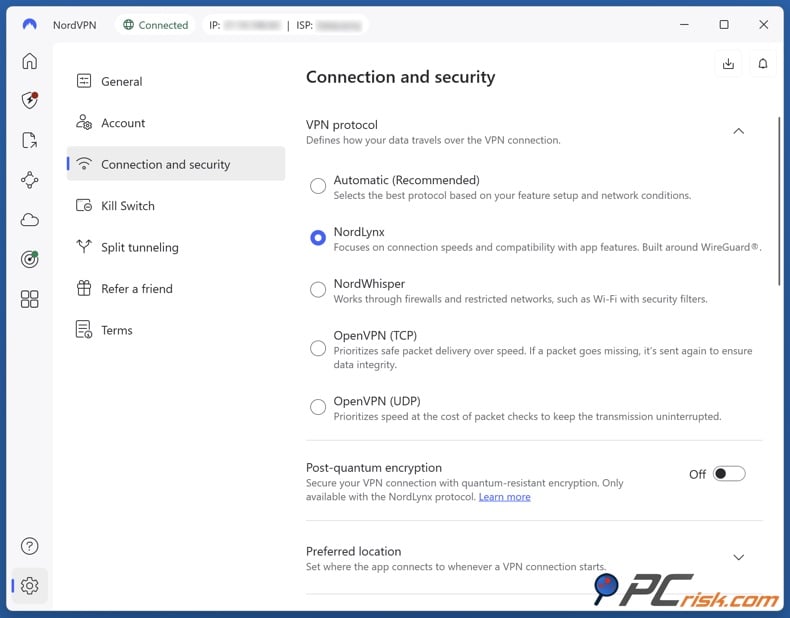
2. Log in and set NordVPN to its fastest everyday setup. We recommend using NordLynx, turning off extra privacy features such as Double VPN, and enabling the kill switch to prevent accidental IP leaks.
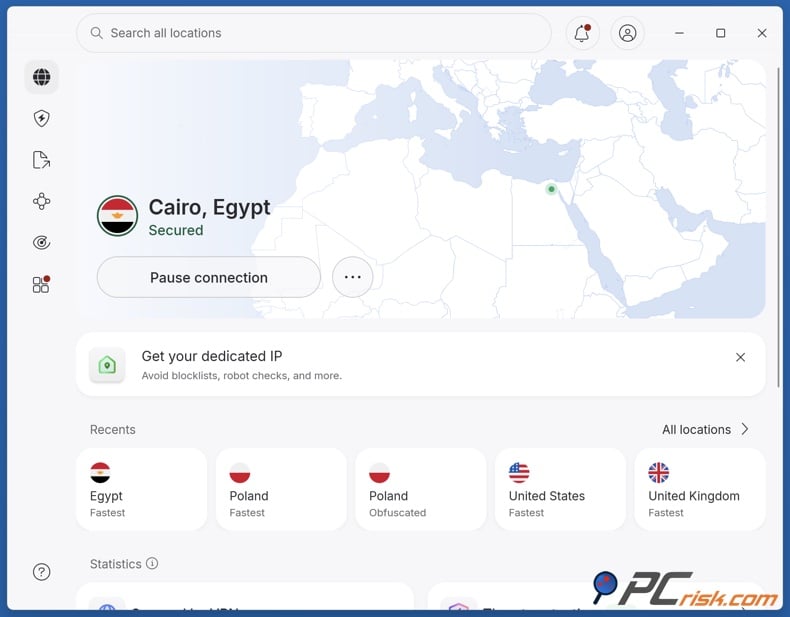
3. Pick your target region based on what you want. For the best chance at bot lobbies, connect to a region with fewer players and play during their late night or early morning. If you want easier lobbies but still need good ping, choose a region that’s a bit closer. For example, someone in Europe could try Turkey before Egypt or South Africa, while a US player might try Chile before going all the way to Asia.
4. Connect to the VPN before you open Battle.net or Steam and before you start Warzone. We suggest matching your launcher region to your target region and restarting the launcher for a fresh session. We see this as optional, but we do recommend starting the game after your VPN is connected.
5. Join a few public matches and see how it goes. Don’t judge based on just one lucky lobby - Warzone matchmaking changes a lot. We suggest trying two or three servers in the same country, then comparing with a backup location. Good VPNs make switching servers quick, which is why NordVPN and Surfshark are great for this.
If your ping is too high, don’t keep trying the farthest regions. Many players make this mistake. Even if a server has fewer players, it’s not helpful if your gameplay feels laggy or shots don’t register well. We’ve found the best results come from balancing easier regions with decent latency, not just picking the most distant server. A VPN should add as little latency as possible, and usually regions farther away mean higher ping.
Best VPNs for COD comparison
Here’s the comparison table we’d use if we were just looking for the best COD VPN for bot-lobby hunting, flexible public matches, and stable gameplay. The three bot-lobby columns show our editorial opinions, not guarantees. They reflect how practical each VPN is for region-hopping in Warzone, BO6, and MW3, based on network flexibility and current gaming performance.
| VPN | Price | Warzone bot lobbies | BO6 bot lobbies | MW3 bot lobbies | Average ping |
| NordVPN | From $3.09/mo | Excellent | Excellent | Excellent | ~116 ms |
| Surfshark | From $1.99/mo | Very good | Very good | Very good | ~136 ms |
| ExpressVPN | From $2.49/mo | Very good | Very good | Very good | ~133 ms |
| Proton VPN | From $2.99/mo | Good | Good | Good | ~146 ms |
| Mullvad | Flat EUR 5/mo | Fair | Fair | Fair | ~150 ms |
NordVPN takes the top spot because it offers a great mix of wide regional options, consistently low gaming latency, and features that are genuinely useful for PC Warzone, like split tunneling and a fast WireGuard-based protocol. Surfshark is the best value, ExpressVPN is the easiest premium choice for routers, Proton VPN is the privacy-focused wildcard with a strong free plan, and Mullvad is excellent for anonymity but not as good for frequent COD region-hopping.
The prices listed above come from the official pricing pages of each VPN. The average ping numbers are blended from recent speed tests across different locations, so they’re helpful for ranking but not exact. Your actual latency will depend on your ISP, how far you are from the server, the time of day, and which server you pick.
Best VPNs for COD Warzone
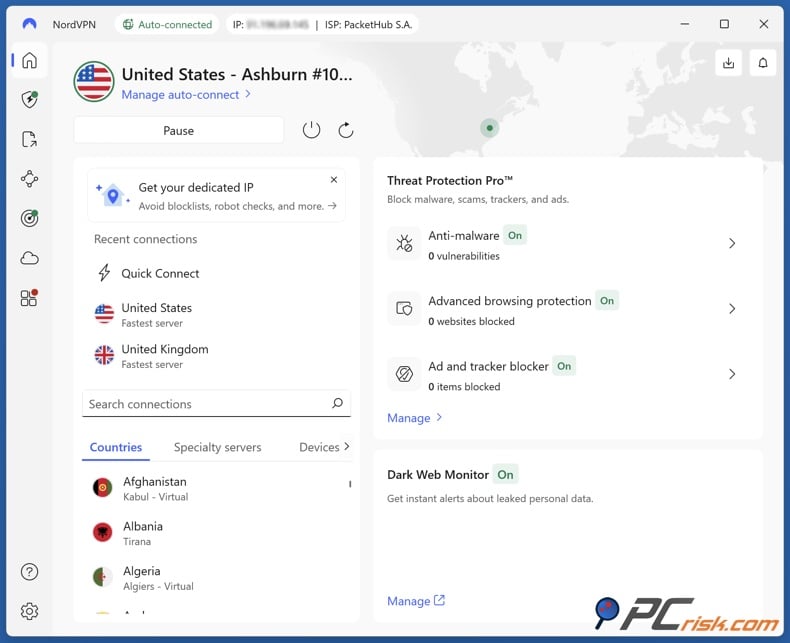
NordVPN is our top choice for Warzone in 2026. At PCrisk, we already consider NordVPN one of the best all-around VPNs because of its strong security, fast speeds, and easy-to-use apps. For Warzone, these strengths mean you get a wide range of servers, low-latency NordLynx performance, useful split tunneling, and a quick, hassle-free setup. We ranked NordVPN first for COD, and our gaming tests showed NordVPN had very low ping on nearby servers and stable performance even in far-off places like Egypt and New Zealand.
Simply put, NordVPN is the VPN we trust most for repeated Warzone testing. It is not just fast - it is reliable, and that reliability matters more than top speeds when you are joining match after match in different regions. NordVPN also offers one of the best mixes of easier lobby potential and playable latency. That is why it is still our top pick for Warzone, BO6, and MW3. There are some downsides: short-term plans cost more, renewals are pricier, and it still lacks port forwarding and some features on iOS and macOS.
- Pros: great latency, strong region options, good PC features, and solid value overall.
- Cons: higher renewal prices, router setup is less smooth than ExpressVPN, and not all features are available on every platform.
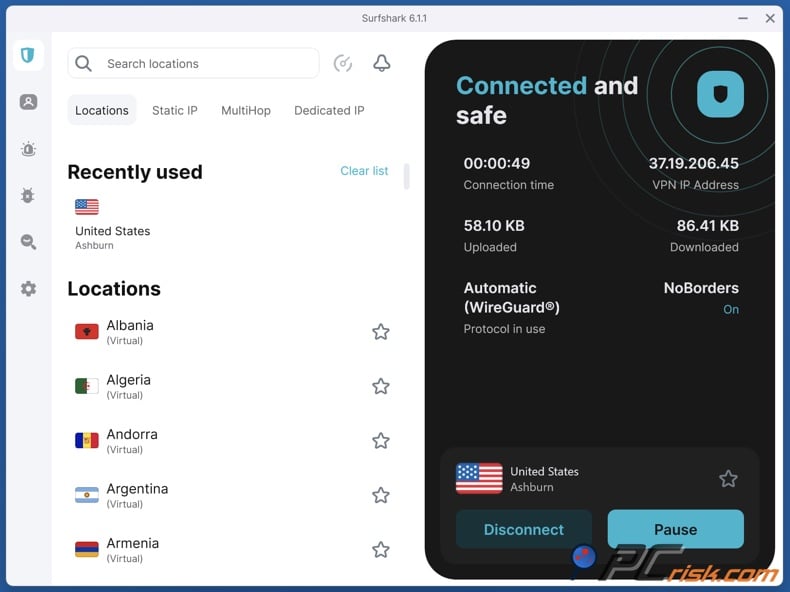
Surfshark is our top budget pick for Warzone. We highlight Surfshark's affordable long-term pricing, unlimited devices, and strong WireGuard performance, which is great for COD players who want to use a VPN on a PC, phone, and maybe a console without paying extra. In gaming tests, Surfshark stayed fast on nearby servers, had good latency, and worked especially well on mobile thanks to its well-designed iOS and Android apps.
Surfshark stands out for its practical value. For many players, it is the most affordable serious option that still feels premium enough for daily Warzone play. It also offers Smart DNS and works on many devices, which is helpful if you want a single subscription for multiple gaming setups. The downside is that latency can increase more on long-distance connections than with NordVPN or ExpressVPN, and the renewal price increases significantly.
- Pros: great price, unlimited devices, strong gaming performance, and a solid mobile app lineup.
- Cons: more latency changes on long routes, no port forwarding, and a big price jump after the promo period.
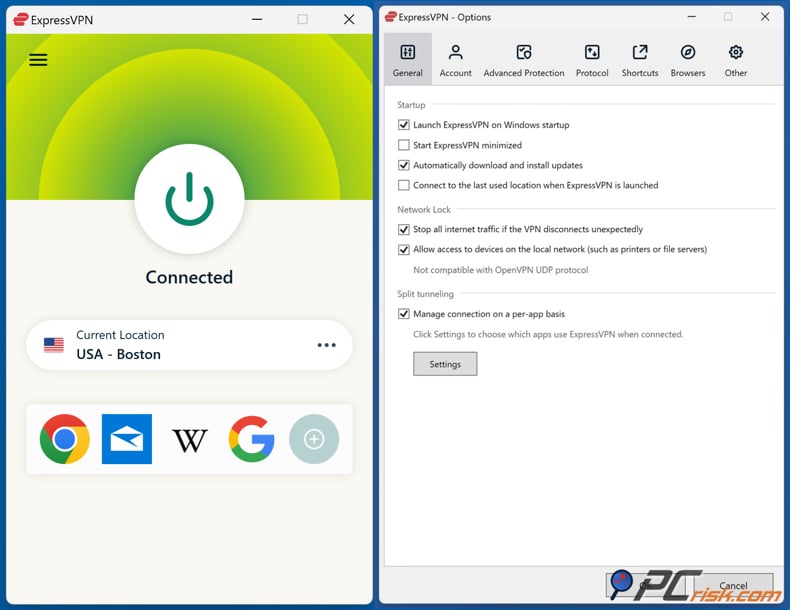
ExpressVPN is the easiest premium VPN for Warzone players who also want good support for routers and consoles. We give ExpressVPN high marks for strong security, stable performance, and simple, user-friendly apps. We rank it third for Warzone mainly because of the value for COD, not because it is weak. If you play on Xbox or PlayStation and want a hassle-free premium setup, ExpressVPN is still one of the easiest services to use.
We put it below NordVPN and Surfshark mainly because it costs more than Surfshark and offers less value to PC-focused Warzone players. It also lacks some advanced features we like in 2026, such as multi-hop. Still, its Lightway protocol, strong router support, and stable long-distance performance make it a safe choice if you prioritize reliability over price.
- Pros: very easy to use, great for routers and consoles, and stable premium performance.
- Cons: more expensive than value options, fewer advanced features, and not the best deal for PC-only Warzone players.
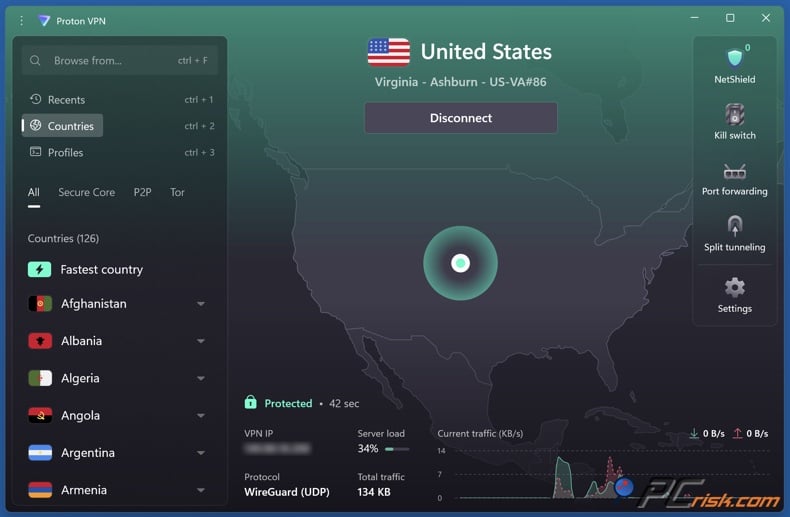
Proton VPN is our top privacy-focused pick and the best free option to start with, but it is not the best choice if you want a VPN just for Warzone. We praise Proton VPN for its Swiss privacy laws, open-source apps, Secure Core, NetShield, and one of the best free plans available. The question is not if Proton can be used for gaming - it can. The real question is whether it is the easiest and most practical VPN for Warzone compared to NordVPN, Surfshark, or ExpressVPN. We do not think it is.
Proton VPN is a good choice if privacy is as important to you as Warzone matchmaking, or if you want a solid free plan before spending any money. Its paid network is large, and its free plan is still one of the best free options available. However, for regular bot-lobby testing, the free version is too limited because you cannot pick your server, and the paid version does not feel as focused on COD as our top three picks.
- Pros: great privacy reputation, top free plan, strong paid network.
- Cons: paid plans can be more expensive than others, support is slower, and the Warzone experience is not as smooth as with NordVPN or Surfshark.
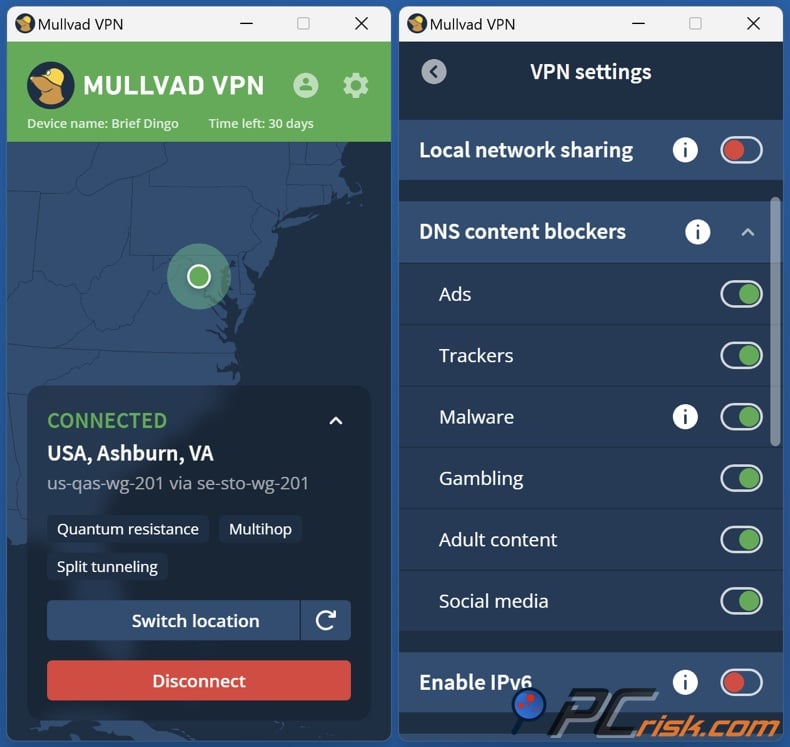
We still respect Mullvad as a VPN, but it is our fifth choice for Warzone. Mullvad is excellent for privacy, anonymous sign-up, open-source transparency, and stable performance on nearby servers. However, it has a smaller network, fewer convenience features, and weaker streaming and customer support. Our speed tests show Mullvad is fast enough for gaming, and it works for Warzone from a technical standpoint. It is just not as well-suited for the repeated region testing that most bot-lobby hunters want.
If privacy is your top priority and you care about anonymous account creation more than easy COD setup, Mullvad is still a solid choice. But if your main goal is to get into easier Warzone lobbies with as little hassle as possible, it is harder to recommend over the other four. Its smaller network, flat pricing, no live chat, and fewer gaming features make it less flexible for this specific use.
- Pros: excellent privacy, simple pricing, and reliable WireGuard performance.
- Cons: smaller network for region switching, fewer convenience features, and less value than other options if Warzone is your main focus.
Best VPN location for Warzone bot lobbies
If you want a quick answer, our top pick for testing Warzone bot lobbies in 2026 is still Egypt because it offers smaller player pools and results that most players can try without needing the most distant servers.
Still, we suggest trying more than one location. The best options right now are Egypt, Turkey, Chile, Singapore, India, and South Africa. If you want to experiment, you can also try Kenya, Cambodia, Nigeria, Taiwan, Vietnam, and Kyrgyzstan, depending on your region and how much latency you can handle. We recommend Egypt, Chile, Singapore, and Turkey as starting points, and also find good results in Kenya, India, Cambodia, and Nigeria.
Timing is just as important as location. The best way to avoid tough matchmaking is to connect to a region where it is between 3:00 AM and 7:00 AM local time. During these hours, smaller player pools make it more likely for the matchmaker to fill games quickly and relax its standards. So, even a top region can feel average at the wrong time, while a decent region at the right hour can give you much easier lobbies.
We recommend breaking locations into three groups. First, start with high-probability options like Egypt, Turkey, Chile, or India. Second, if you want to experiment more, try Kenya, Cambodia, Nigeria, or South Africa. Third, if your ping gets too high, choose a region closer to home rather than the farthest one. Warzone is still about fast gunfights, so if your connection lags, any bot lobby advantage is lost.
One last thing to remember: no location is always the best. Factors like population, playlists, time zones, seasonal spikes, and platform mix all affect results. There is no single answer. The best approach is to start with smaller-population regions during late-night hours and use a VPN that lets you switch servers quickly so you can compare without wasting time.
How we test VPNs for Warzone
At PCrisk, we use a clear VPN testing process that works well for Warzone. We start by testing in real-world conditions, not just relying on marketing. We check encryption, leak protection, kill switch function, and server quality. Then we test performance on local, mid-range, and distant servers at different times of day. We record download speed, upload speed, and ping, repeat the tests, and average the results. Usually, we average nine data points by testing three servers at three different times.
For Warzone, we add a matchmaking layer to our tests. We focus less on streaming speed and more on whether a VPN keeps latency low while switching between possible bot-lobby regions. This makes sense for COD, since a VPN that is only fast in theory but unstable in real matches is not a good choice.
Here is how we test for Warzone in practice. We check latency on both nearby and distant servers. We look for jitter and disconnects during live games. We make sure the VPN works smoothly on PCs and, if needed, via hotspot or router setups on consoles. We also test features that matter for gaming, such as split tunneling, easy server selection, strong support, and quick reconnection after changing regions. We always include usability, features, support, and real gaming tests in our reviews, so this fits our usual approach.
One thing we never do is promise guaranteed bot lobbies. No honest Warzone guide can do that. Instead, we rate VPNs based on what makes it easier to find lobbies: low ping, lots of server options, quick switching, stable connections, and strong privacy to keep your real IP hidden. Your actual results will still depend on playlist, platform, time zone, and region population.
Will using a VPN get me banned from COD Warzone?
This is something to watch out for. Activision’s public Call of Duty Security and Enforcement Policy does not specifically say that normal VPN use is a violation. Still, the policy does punish spoofing, hiding your identity in certain ways, bypassing security, using unauthorized software for an unfair advantage, using unsupported devices or apps for cheating, and boosting. It also says that accounts under suspicion can be put into limited matchmaking lobbies, sometimes with restricted progression, while they review the case.
At PCrisk, we see it simply: using a VPN for normal privacy is much less risky than using cheats, injectors, or boosting services. But if you use a VPN to try to get easier matches, that’s still a gray area that Activision hasn’t clearly approved. So, VPN use isn’t risk-free. It’s less risky than cheating, but if you’re aiming for easier lobbies, you’re doing it at your own risk. Also, keep in mind that Activision’s 'limited matchmaking' is an enforcement action and not the same as the easier public matches most players want.
Can you use a free VPN for Warzone? Technically, yes, but we don’t recommend depending on one. Proton VPN’s free plan is the best serious free option since it has no data limits, no ads, and gives you access to free servers in 10 countries (chosen automatically). It’s great for secure browsing and for testing how a VPN works with your connection, but it’s not ideal for finding specific Warzone lobbies because you can’t always pick the region you want, like you can with a paid plan.
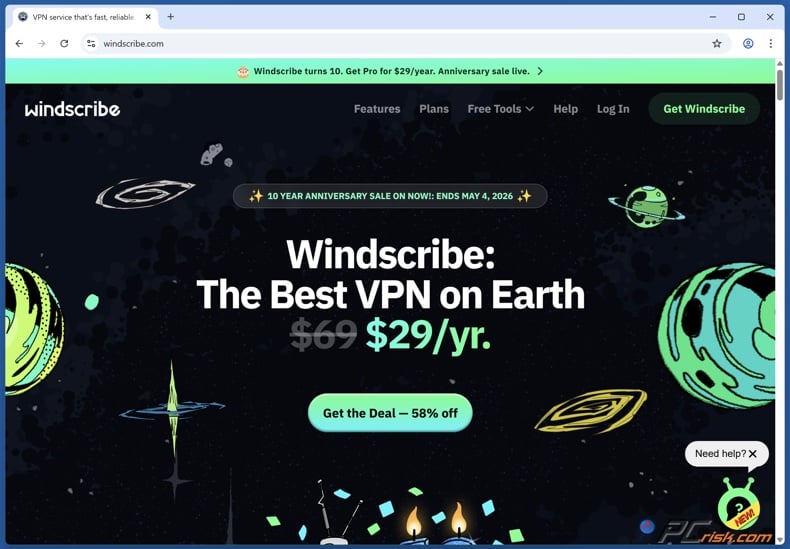
Windscribe is the second free service we’d consider trying for Warzone. It gives free users 10 GB per month if you confirm your email, and access to servers in 10 countries, or 2 GB without an email. However, 10 GB runs out fast once you count updates, launcher traffic, and playing Warzone often, so we see it as a short-term test option, not something for daily COD use.
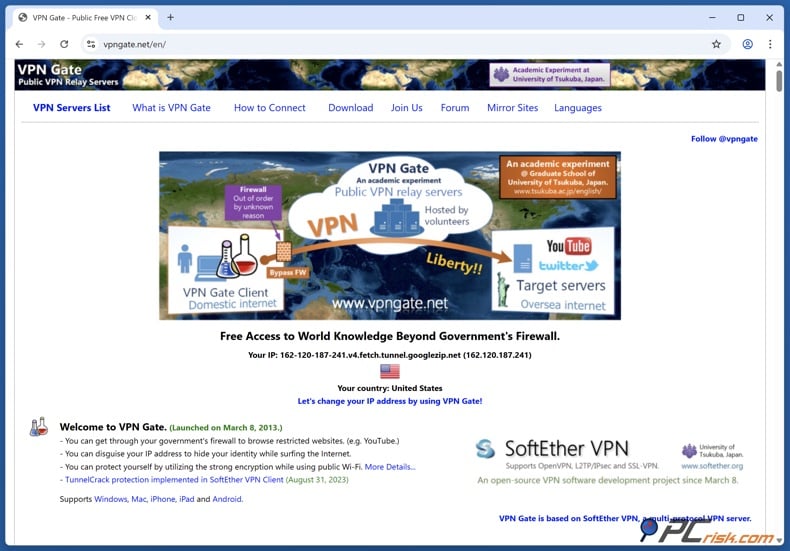
VPN Gate is a different case. It’s a real free project run as an academic public relay network, but it’s volunteer-operated, logs data for two weeks, and server quality can vary a lot since the relay pool isn’t built like a premium gaming VPN. This makes it interesting for research or occasional experiments, but we wouldn’t trust it for competitive Warzone, daily privacy, or reliable region switching.
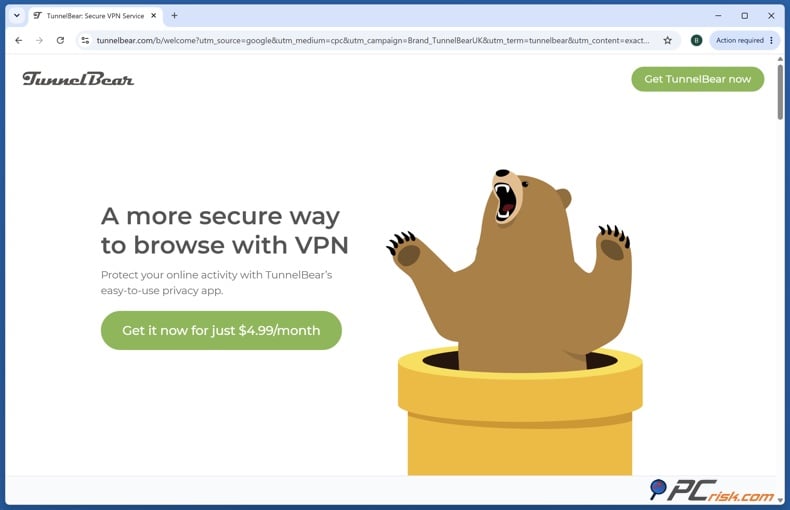
If you want another free option, TunnelBear is still a decent privacy-focused trial, but its free plan only gives you 2 GB per month, which isn’t enough for Warzone. That’s just enough for testing the interface or a few short sessions, but not much else. So, while free VPNs can help you test region-hopping in Warzone, we don’t think they’re the best way to get consistent bot lobbies.
Before installing a free VPN or trying lesser-known Warzone lobby tools, we recommend checking your device for unwanted apps, browser hijackers, and other security issues. Combo Cleaner can help scan your system and remove threats that may affect your privacy, performance, or gaming experience.
A VPN encrypts your traffic — but your device still needs protection against malware and ransomware. Combo Cleaner adds the missing layer of defense.
Download Combo CleanerAntivirusDetect & remove malware threats→VPNs to avoid for COD Warzone: We’d skip VPNs that seem good on paper but don’t perform well for gaming. We recommend you avoid three popular services that are not particularly compatible with gaming: IPVanish (no Smart DNS proxy and no dedicated router app), CyberGhost (higher latency and slower download speeds), and Norton VPN (high ping, slower performance, and it logs your real IP address). These services aren’t useless for everything, but they’re not the best picks if you’re focused on Warzone.
Wrapping up
If we were just looking for the best Warzone VPN in 2026, we’d pick NordVPN. It offers the best mix of low-latency performance, helpful PC features, wide region options, and enough consistency for repeated lobby testing. It’s also the easiest choice if you want one VPN for Warzone, BO6, and MW3 without having to keep rethinking your decision.
If you care most about value, we’d suggest Surfshark. If you want easy router and console setup, go with ExpressVPN. If privacy and a solid free plan are your priorities, try Proton VPN. And if you want strong anonymity over COD convenience, Mullvad is still a good choice, even if it’s not our top pick for bot-lobby hunting.
The main thing to remember is that using a VPN for Warzone is all about balance. The region you pick, the time of day, and your ping all matter. Playing in a less populated region during its quiet hours can feel easier, but only if your VPN is fast and stable enough to keep the game playable. That’s why we always suggest testing carefully, not just picking the farthest region and hoping for the best.
Frequently asked questions (FAQs)
Is using a VPN considered cheating on COD Warzone?
Not directly, according to Activision’s public policy, but we wouldn’t call it completely risk-free if you’re trying to change matchmaking. Activision does punish spoofing, bypassing security, using unauthorized software for an unfair advantage, and boosting. We think using a VPN for privacy is less risky than cheating, but using any tool to get easier lobbies is still your own choice.
What are bot lobbies on Warzone?
In reality, most players mean easier public lobbies, not matches filled only with AI. Usually, they’re talking about lobbies with weaker or more casual opponents because the matchmaker lowers its standards to fill games faster. This happens when fewer players are online, especially during off-peak hours in certain regions.
Does using a VPN give you bot lobbies?
Not automatically. A VPN just lets you try different matchmaking regions and times. Your results will depend on the playlist, how many players are in the region, the time zone, and your connection quality. We see a VPN as a way to give you more options, not a sure way to get easy lobbies.
What is the best VPN location for Warzone bot lobbies?
We’d start with Egypt, then try Turkey, Chile, Singapore, India, or South Africa, depending on where you live. After that, you can experiment with Kenya, Cambodia, Nigeria, Taiwan, Vietnam, and Kyrgyzstan. The best time is usually between 3:00 AM and 7:00 AM local time in the region you’re targeting.
Will a VPN lower my ping in Warzone?
Usually, no. Most of the time, a VPN will increase your ping because your data has to travel farther. A good gaming VPN just keeps the increase small enough that it’s still worth it. In rare cases, a VPN can help if your ISP is slowing down or routing traffic poorly, but that’s not common.
Which VPN protocol should I use for Warzone?
We would stick to WireGuard-based options like NordLynx, standard WireGuard where available, or Lightway on ExpressVPN. WireGuard is the best gaming protocol because it adds less latency than OpenVPN without losing modern security.
Can I use a VPN on Xbox or PlayStation for Warzone?
Yes, but not through a native console VPN app. The practical ways are to install the VPN on your router or to share a VPN connection from a Windows PC via hotspot or Ethernet. The hotspot or Ethernet-sharing method was the easiest in its testing.
Can a free VPN get me Warzone bot lobbies?
Sometimes, but we’d only use that as a test, not a long-term strategy. Proton VPN Free is the best free starting point, and Windscribe Free works for short sessions, but limited server choices, data caps, and inconsistent performance make them much weaker than paid gaming VPNs. VPN Gate is especially bad for this because it logs data and has unstable, volunteer-run servers.
Can I use the same VPN for Warzone, BO6, and MW3?
Yes, and that’s exactly what we recommend. The same key features matter for all three games: lots of server options, low latency, stable connections, and easy region switching. That’s why NordVPN, Surfshark, and ExpressVPN are great choices for all COD games, not just Warzone.
Share:
 Facebook
 X.com
X.com
 LinkedIn
 Copy Link

Rimvydas Iliavicius
Researcher, author
Rimvydas is a researcher with over four years of experience in the cybersecurity industry. He attended Kaunas University of Technology and graduated with a Master's degree in Translation and Localization of Technical texts. His interests in computers and technology led him to become a versatile author in the IT industry. At PCrisk, he's responsible for writing in-depth how-to articles for Microsoft Windows.
▼ Show Discussion