
We may earn commissions from products we recommend. Learn more.
Top 5 ad blockers for Hulu in 2026

Top 5 ad blockers for Hulu in 2026
If you are searching for the top 5 ad blockers for Hulu in 2026, the first thing to know is that this isn’t just about browser extensions. Hulu works on web browsers, phones, tablets, streaming sticks, smart TVs, game consoles, and set-top boxes. However, ad blockers are much more effective in desktop and mobile browsers than in native TV or console apps. Hulu supports the latest versions of Chrome, Firefox, Safari, and Microsoft Edge on computers, so browser compatibility is more important than flashy marketing. Also, no ad blocker can promise to block every ad forever, since ad delivery methods and anti-adblock tactics keep changing.

For this guide, we focused on five products from our PCrisk ad blocker reviews: AdGuard, Surfshark CleanWeb, Total Adblock, AdLock, and Adblock Plus. We ranked them for Hulu by looking at what matters most for streaming: how well they block video ads, which browsers they support, whether they filter ads in mobile apps, privacy and anti-tracking features, how easy it is to allow Hulu if playback breaks, and whether the price makes sense compared to Hulu’s own ad-free plan.
Watch Hulu ad-free with AdGuardSpecial deal30-day money-back guarantee→
Table of Contents:
- Introduction
- How to choose the right ad blocker for Hulu
- Best ad blockers for Hulu in 2026
- Best ad blockers for Hulu comparison
- How we test ad blockers for Hulu
- Why you may want to block ads on Hulu
- Is a free ad blocker for Hulu effective?
- In closing
- Frequently asked questions (FAQs)
How to choose the right ad blocker for Hulu
When picking an ad blocker for Hulu, performance is our top priority. Most blockers can handle banners and pop-ups on regular websites, but Hulu is different. Streaming involves video playback, logins, scripts, location checks, and many background requests that can break if the blocker is too strict. That’s why we look for tools that do well in our ad-blocking tests, can block video ads, and avoid constant troubleshooting. At PCrisk, ad-blocking effectiveness counts for about 40% of our final score, showing how much we value strong blocking.
Reputation is our next consideration. We avoid ad blockers that make you question if they’re really protecting you or just making money off your data. We recommend choosing a well-known blocker with regular updates, a trustworthy developer, and a clear business model. This is especially important for Hulu, since blockers that aren’t updated often can quickly fall behind, and weak privacy policies can create new privacy issues. We also pay close attention to “acceptable ads” policies. While not always a deal-breaker, they usually aren’t helpful for Hulu users who want the cleanest experience.
Extra features are important, but only if they really help. In our tests, we look at things like whitelisting, custom filters, cosmetic filtering, malware and phishing protection, anti-adblock tools, and extra privacy features. For Hulu, the most useful extras are easy allowlisting, tracker blocking, low impact on page speed, cookie-banner filtering, and system-wide filtering on Android. These features not only clean up Hulu’s page, but also help when something breaks because a script didn’t load. Hulu’s help pages note that issues with JavaScript or ad playback can occur if security software or plugins block the wrong content. That’s why we value ad blockers that let you pause or allow Hulu with a single click, instead of forcing you to navigate complicated menus.
Compatibility is a key factor for Hulu ad blockers. Since Hulu officially supports Chrome, Firefox, Safari, and Edge on computers, we prefer blockers that work on all or most of these browsers. But Hulu also runs on phones, tablets, smart TVs, streaming boxes, and game consoles, where most browser-only blockers don’t help. So, we group Hulu users into three types: those who mostly watch on a computer browser (browser extensions work well), those who mainly use Android (system-wide blockers are better), and those who watch mostly in native apps on iPhone, smart TV, Fire TV, consoles, or set-top boxes (where blockers have limited effect).
Price is the final factor, and we always consider it in context. Hulu’s ad-supported plan costs $11.99 per month, while Hulu Premium is $18.99 per month. That’s a $7 difference each month. If you only want an ad blocker for Hulu, this price gap is a good way to judge value. A cheap or free blocker makes sense if you mostly watch in a browser. A premium blocker is easier to justify if it also blocks trackers, malicious sites, cookie banners, and filters your whole device, not just Hulu.
The main features we look for in a Hulu ad blocker are clear: strong video-ad blocking, stable playback in supported browsers, easy allowlisting, good anti-tracking, low impact on performance, and solid mobile support on Android. Extras like phishing protection, DNS filtering, cookie-pop-up blocking, and data breach alerts are nice, but the main question is whether the tool can give you a cleaner Hulu experience without constant troubleshooting. That’s the standard we use for the 5 ad blockers below.
Best ad blockers for Hulu in 2026
For Hulu, we rank AdGuard first because it offers great performance and the widest coverage on desktop browsers and Android. Total Adblock comes second thanks to its excellent test results and easy setup, though its renewal price is a downside. AdLock is third, as it works well for browser and Android users but has a slightly rougher interface and lower privacy scores. Surfshark CleanWeb is fourth, performing best as a browser extension but not as well in mobile apps. Adblock Plus is last; it’s a decent free option, but it’s less reliable for tough streaming and privacy needs.
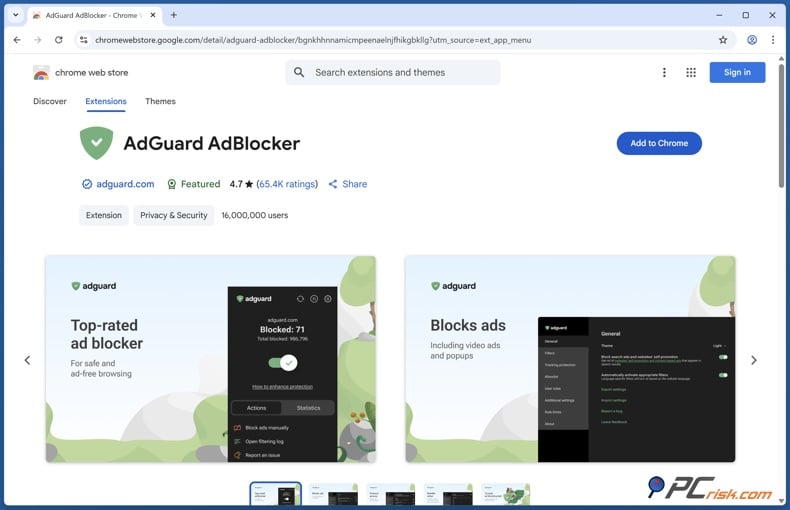
1. AdGuard is our top pick for Hulu ad blocking in 2026 because it offers the most complete package. In our tests, it scored 80 out of 100 on AdBlock Tester right away, and hit 100 out of 100 after we enabled extra filters. It also scored 2.5 out of 3 on Cover Your Tracks, blocked all ad types on Can You Block It, and removed YouTube ads in browsers. For Hulu, this means strong video-ad blocking, solid tracker protection, and the ability to keep working even when sites try to detect the blocker.
AdGuard works well with the browsers Hulu supports, like Chrome, Firefox, Edge, Safari, and Opera. Its free extension covers all of these. If you need more than browser blocking, AdGuard’s premium apps for Windows and macOS block ads across your whole system. On Android, it uses a local VPN with HTTPS filtering to block ads in browsers and many apps. This makes it a great choice for Hulu users on desktop and Android. On iOS, though, the app mainly blocks ads in Safari and through DNS filtering, which is helpful but not as thorough as on Android.
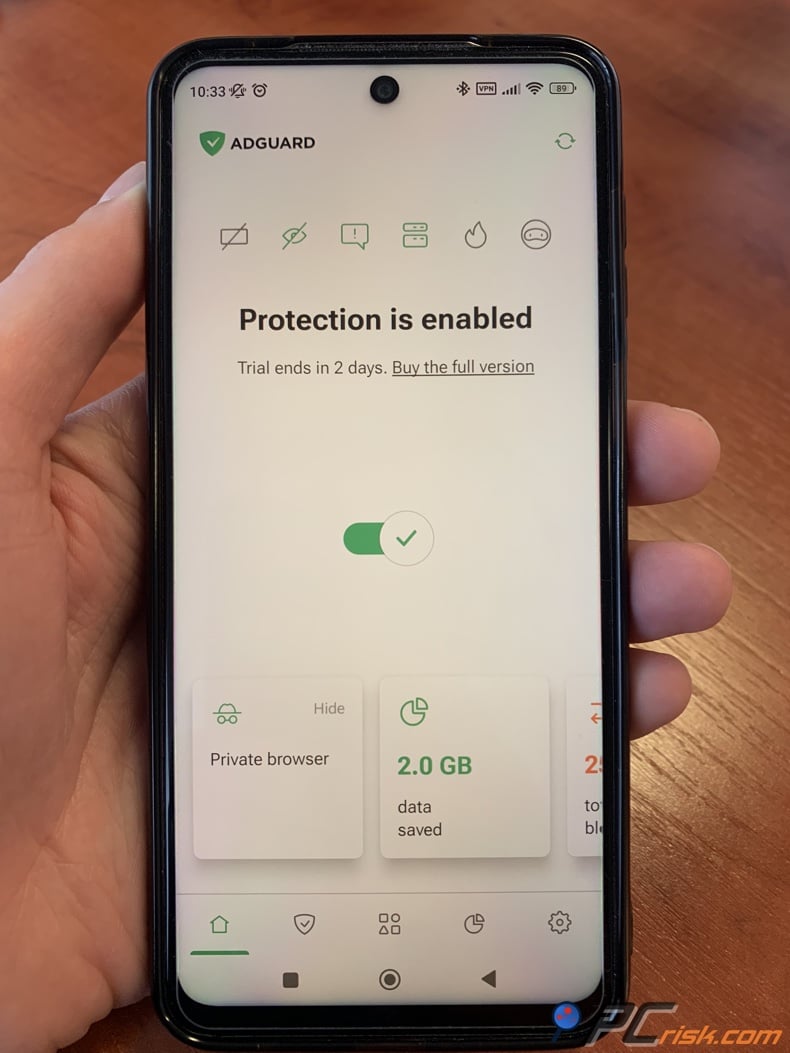
AdGuard is also a better value than many other premium blockers. The Personal plan starts at about $29.88 per year for three devices, and the Family plan covers up to nine. There’s a free browser extension, a premium trial, and lifetime licenses. We like that AdGuard doesn’t use “acceptable ads” and offers extras like phishing protection, Stealth Mode, custom filters, whitelisting, and parental controls. The only downside is that it can require a bit more setup, especially on Android. Still, if we had to choose one Hulu ad blocker for most people, AdGuard would be it.
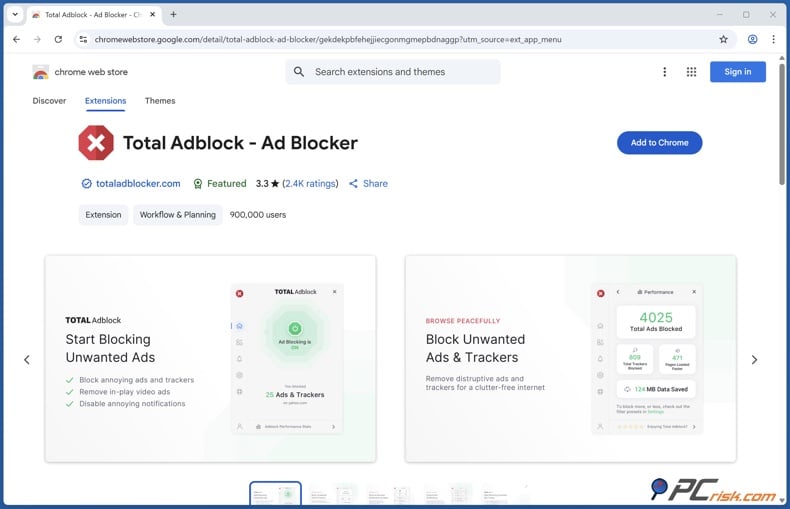
2. Total Adblock is our second choice because it blocks ads very well and is easy to use. In our tests, it scored a perfect 100 out of 100 on AdBlock Tester, blocked all tracking on Can You Block It, scored 2 out of 3 on Cover Your Tracks, and sped up page loads by 30% to 50% on many sites. It also blocked YouTube video ads, which is important for Hulu since video ads are a big challenge.
Total Adblock stands out for its simplicity. On desktop, it’s easy to install on Chrome, Edge, Opera, or Safari. On Android, it uses a local VPN to block ads across browsers and apps, making it more useful for Hulu users than a basic browser extension. On iOS, though, it mainly works in Safari and can’t block ads in the Hulu app or other apps because of iOS restrictions.
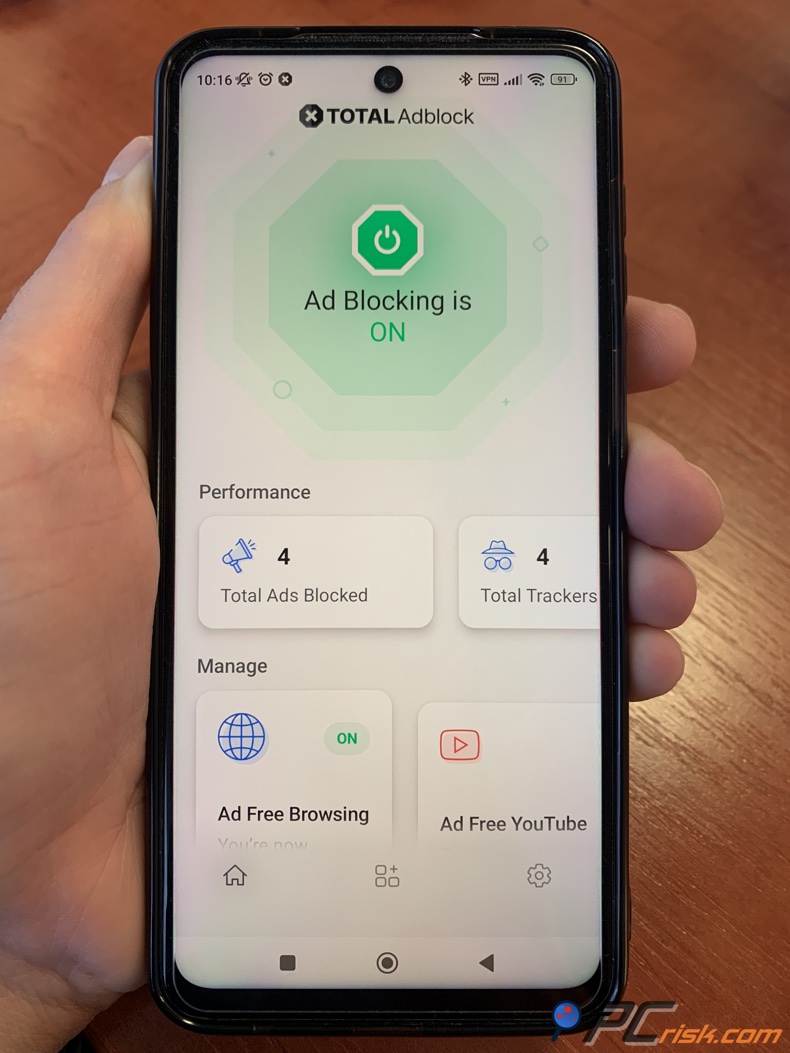
Total AdBlock has a big downside: it’s cheap for the first year at about $19, but renews at around $99 per year. The free version is very limited and feels more like a trial. It also offers less customization than AdGuard or AdLock, which might bother advanced users. Still, if you want a quick, easy Hulu blocker for desktop and decent Android support, Total Adblock is a practical choice.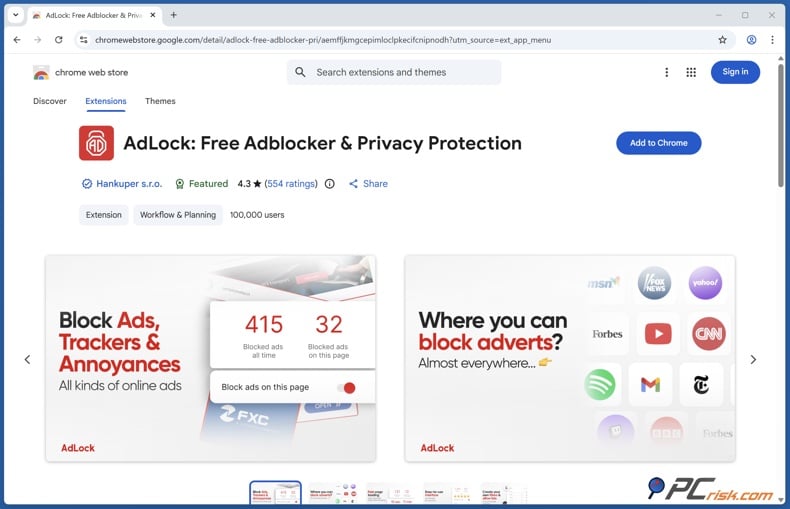
3. AdLock is our third pick and deserves more attention. It’s a multi-platform blocker with a free browser extension, a paid app, strong ad filtering, no acceptable ads policy, and one license for up to 5 devices. In our tests, AdLock scored 96 out of 100 on AdBlock Tester, 2.5 out of 3 on Can You Block It, and 1 out of 3 on Cover Your Tracks. Its privacy score is lower than AdGuard and Total Adblock, but it still did well against the ad types that matter most for Hulu. It also blocked YouTube pre-roll ads, which is a good sign for streaming.
If you use Hulu on Android, AdLock is worth a look. Its Android app uses a local VPN to filter ads in Chrome, Firefox, games, social apps, and streaming services, giving it more reach than browser-only blockers. On iOS, AdLock mainly blocks ads in Safari, but it also has some workarounds for video apps and in-app browsers. While it won’t remove every ad in the Hulu app on iPhone, AdLock is more creative than most blockers when dealing with Apple’s restrictions.
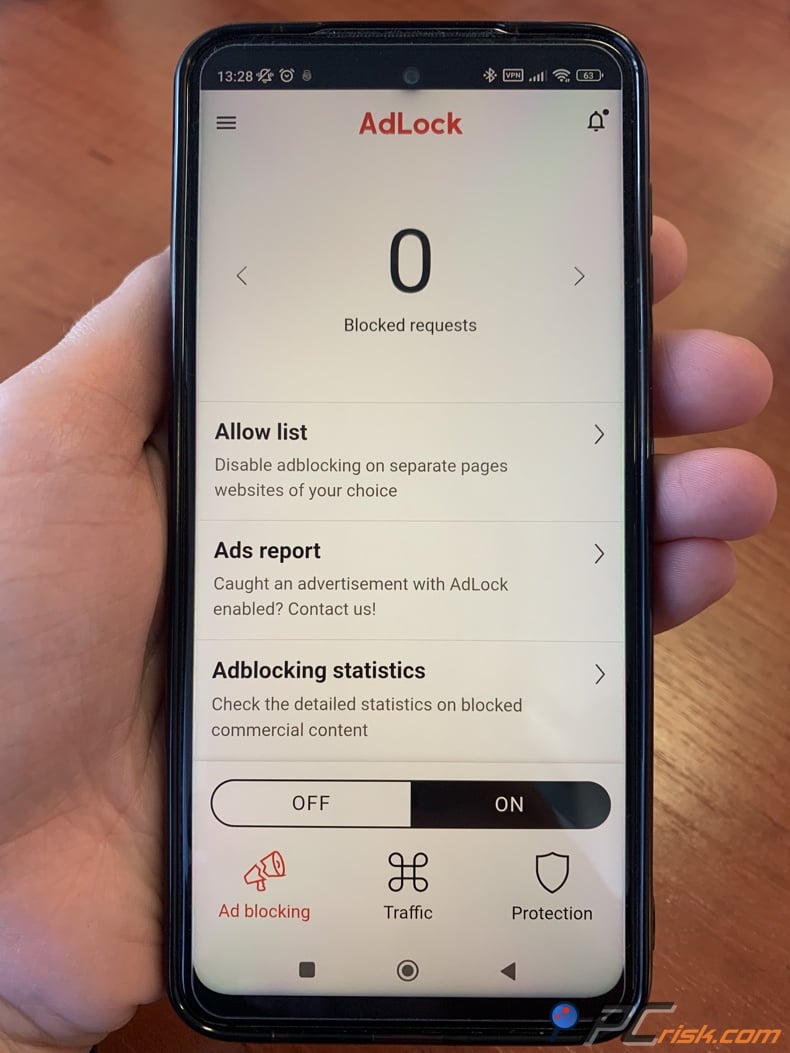
AdLock is reasonably priced at about $33.60 to $34 per year, and the free extension is still available. New users get a 14-day premium trial and a 30-day money-back guarantee. There are some downsides: the Android app isn’t on Google Play and must be downloaded from the official site, and it can’t run with another VPN. We also saw some minor site issues. Still, AdLock is a strong choice for Hulu users who want solid Android coverage and strict ad blocking.
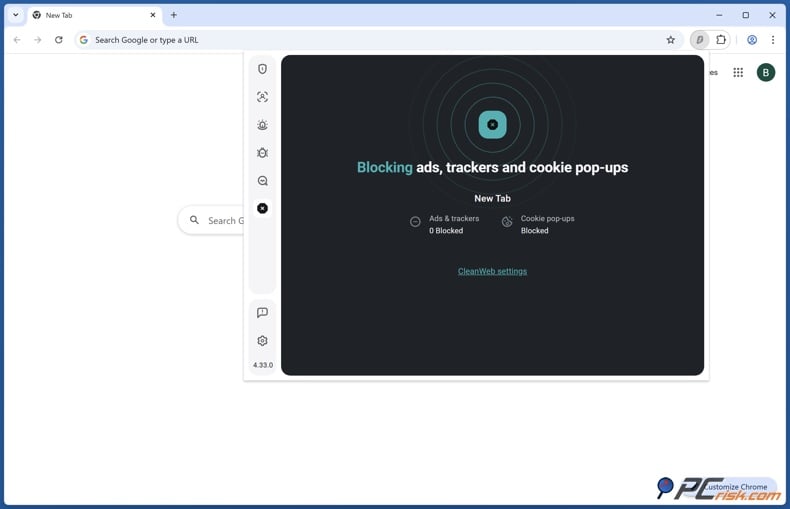
4. Surfshark CleanWeb is fourth on our list. While it does well in general security, it has some limits for Hulu. In our tests, the CleanWeb 2.0 browser extension scored over 90 out of 100 on AdBlock Tester, blocked all sample ads on Can You Block It, and handled YouTube ads well in the browser. However, on mobile, its score dropped to 60 out of 100, and in-app ads were mostly not blocked. Since many Hulu users watch on mobile or TV apps, this is a key drawback.
Surfshark offers more than just ad blocking. CleanWeb comes with Surfshark’s VPN plans, and the browser extension adds features such as cookie pop-up blocking, malware alerts, tracker blocking, and data breach alerts. It supports Chrome, Firefox, Edge, and Safari, and the Surfshark suite covers most major platforms. If you already have Surfshark for VPN, CleanWeb is a great bonus for browser-based Hulu. But if you only want Hulu ad blocking, AdGuard or Total Adblock are better choices because CleanWeb’s mobile filtering is weaker, and it’s not sold separately.
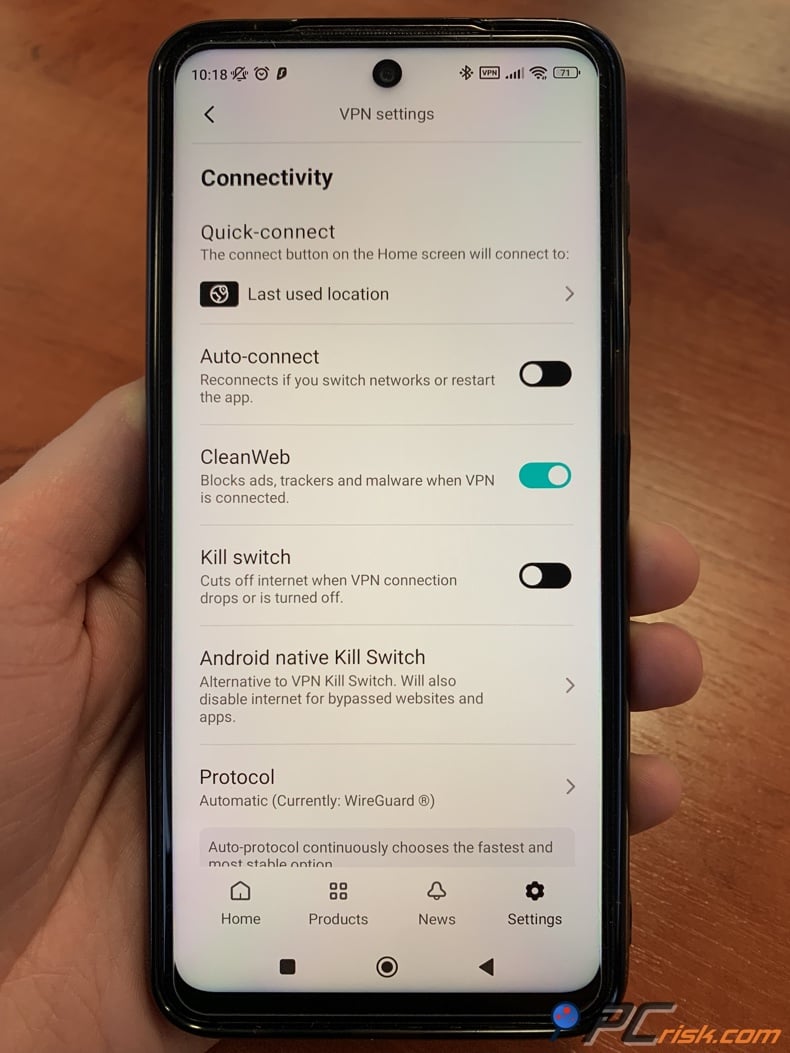
Surfshark CleanWeb costs about $47.85 per year with the Starter VPN plan. There’s no free version, just a mobile free trial and a money-back guarantee. The good news is that you get unlimited device support, which is great for families or people with many devices. The catch is you’re mainly buying a VPN, with ad blocking as a bonus. For browser Hulu users who want a VPN, it’s a good deal. But if you just want the best Hulu ad blocker, the other options above are stronger.
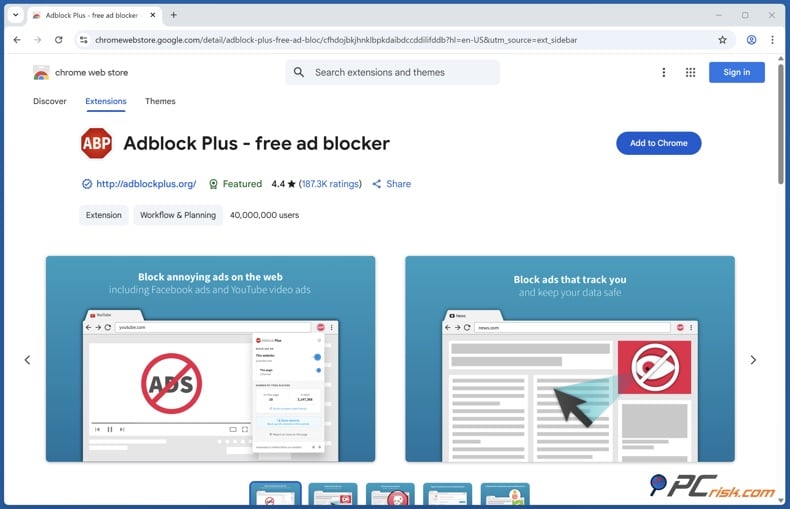
5. Adblock Plus is fifth on our list, but it’s still a good free way to block ads in desktop browsers. In our tests, it scored 77 out of 100 on AdBlock Tester and passed all checks on Can You Block It. These are solid results. However, it scored 0 out of 3 on Cover Your Tracks and wasn’t reliable at skipping YouTube ads when anti-adblock measures were in place. Because Hulu needs strong video-ad blocking and stable playback, these issues put Adblock Plus lower in our ranking.
Adblock Plus is still worth considering because it’s easy to use and widely available. The free extension works on Chrome, Firefox, Edge, Safari, Opera, Yandex Browser, and more. On Android, it works through Adblock Browser, and on iOS, it blocks ads in Safari. The premium version costs about $40 per year and adds features like blocking cookie banners, floating videos, newsletters, and browser notifications. If you mostly watch Hulu in a desktop browser and want a free or affordable way to block ads, Adblock Plus can do the job.
Adblock Plus ranks last mainly because of its approach, not just its technology. The free version has Acceptable Ads turned on by default, which isn’t ideal if you want to block everything. You can turn this feature off, and we recommend doing so for Hulu. Still, Adblock Plus feels less aggressive and less focused on privacy than the other blockers. We see it as a good free starting point, but not the best choice for heavy Hulu use.
Best ad blockers for Hulu comparison
The table below shows prices and test results from our latest PCrisk reviews. Our Hulu ad blocking ratings reflect our own experience with each product’s video ad results, browser support, app filtering, and mobile limits. This is not a guarantee that any blocker will keep Hulu ad-free on every device all the time. Instead, it’s our best judgment about which ones work best right now.
Watch Hulu ad-free with AdGuardSpecial deal30-day money-back guarantee→
| Ad blocker | Price | Free version/trial | Hulu ad blocking | Ad blocking test results | Browser compatibility | Available extras |
| AdGuard | From $29.88/year | Free extension, premium trial | Excellent in browsers, strongest Android option | 80/100 default, 100/100 with extra filters, EFF 2.5/3, Can You Block It 3/3 | Chrome, Firefox, Edge, Safari, Opera | HTTPS filtering, Stealth Mode, phishing protection, parental controls |
| Total Adblock | From $19 first year | Limited free version, 7-day style trial period | Excellent in browsers, strong on Android, Safari-only on iOS | 100/100, EFF 2/3, all forms blocked on Can You Block It | Chrome, Edge, Opera, Safari, plus Android app coverage across browsers | Cookie and popup blocking, WebShield, TotalAV bundle, whitelist controls |
| AdLock | From about $33.60/year | Free browser extension, 14-day premium trial | Very strong in browsers, very good on Android, limited on iOS apps | 96/100, EFF 1/3, Can You Block It 2.5/3 | Chrome, Firefox, Safari, Opera, Edge | No acceptable ads, Secure Surfing, custom blacklists and whitelists, element picker |
| Surfshark CleanWeb | From $47.85/year in our review snapshot | No free version, 7-day mobile trial | Strong in browser extension, weaker in native mobile apps | Above 90/100 on desktop, 60/100 on mobile browser, strong Can You Block It result | Chrome, Firefox, Edge, Safari | VPN, cookie-pop-up blocker, malware alerts, breach alerts, unlimited devices |
| Adblock Plus | Free, Premium about $40/year | Strong free version, Premium optional | Good free browser option, weakest for tougher video-ad cases | 77/100, EFF 0/3, Can You Block It 7/7 | Chrome, Firefox, Edge, Safari, Opera, Yandex, Samsung Internet | Acceptable Ads toggle, custom filters, element blocking, Premium annoyances filtering |
To sum up, here’s our straightforward advice. For watching Hulu on a desktop browser, AdGuard and Total Adblock are your best options. If you mostly use Android, AdGuard and AdLock stand out because they offer more than just a browser extension. If you already have Surfshark, CleanWeb is a nice extra. If you want to start for free, Adblock Plus is the simplest choice, but it has the most trade-offs.
How we test ad blockers for Hulu
At PCrisk, we take ad blocker testing seriously. We start with controlled hardware, clean browser profiles, up-to-date software, and repeatable steps. For desktops, we use modern Windows and macOS computers with the latest browsers and no extra extensions. For mobile, we test on recent Android and iOS devices. We also keep the network steady so any changes we see are due to the blocker, not random internet issues.
Next, we check how well each blocker works using both real websites and testing tools. Our process includes testing on real sites, special ad test pages, checking for tracker and script blocking, analyzing cookies and fingerprinting, and using benchmarks like AdBlock Tester, Cover Your Tracks, and Can You Block It. We also look at page load times, CPU and memory use, browsing smoothness, and how each blocker handles lots of ads. This is important for Hulu because a blocker that passes tests but breaks login or playback is not a good choice.
For this Hulu guide, we focus on the browsers Hulu officially supports on computers: the latest versions of Chrome, Firefox, Safari, and Edge. That’s where blockers work best. We also check each product’s compatibility and how it performs on mobile. If a blocker works great in Chrome on Windows but fails in the iPhone or Android app, we point that out. We take app-level limits seriously because Hulu runs on many devices, and the blocker needs to work where people actually watch.
We also look closely at allowlisting and fixing problems, since Hulu warns that script-blockers or security tools can interfere with JavaScript and ads. Hulu’s help pages say you might need to allow Hulu in your security software or browser plugins if you have issues. That’s why we include whitelisting and exception management in our tests. A good Hulu blocker should not only block ads effectively, but also let you quickly fix issues if Hulu stops working properly.
Our scoring system is straightforward. We give about 40% weight to ad-blocking, 20% to privacy and anti-tracking, 15% to speed and performance, 15% to ease of use and compatibility, and 10% to features and customization. This is why AdGuard scores so well - it’s strong, stable, and privacy-focused. Surfshark CleanWeb performs well in browsers but drops in our Hulu rankings when its app-level performance is weaker. We’re not just looking for a test winner; we want the blocker that delivers the best overall experience for Hulu users.
Why you may want to block ads on Hulu
The main reason is simple: ads interrupt your viewing. Whether you’re watching a drama, a live comedy, or a short series, ad breaks disrupt the flow. Hulu’s pricing highlights the difference; the ad-supported plan is $11.99 per month, while Hulu Premium is $18.99. For many, especially browser users, using a good ad blocker with the cheaper plan can seem like a smarter way to save money instead of paying for the no-ads upgrade.
Privacy is another big reason, and it’s the one we care about most at PCrisk. A good ad blocker isn’t just for comfort - it also adds security and privacy. We put a lot of weight on anti-tracking, and tools like AdGuard, Total Adblock, AdLock, and Surfshark CleanWeb all block trackers and bad domains, not just ads. So, the benefits go beyond Hulu. The same blocker that helps on Hulu can also remove tracking scripts, block harmful links, cut down on cookie banners, and reduce profiling on other sites.
Performance is another benefit that’s often overlooked. In our tests, we check for faster page loads, lower resource use, and smoother browsing. For example, Total Adblock made pages load much faster in our review, and AdGuard improved browsing by removing heavy ads and trackers. While Hulu is a streaming service, and playback benefits may vary, a cleaner browsing experience still matters. Fewer pop-ups, less clutter, and fewer third-party requests all make for a smoother session.
Still, we want to be realistic. If you mostly watch Hulu on a smart TV, streaming stick, or console app, an ad blocker probably won’t work as well as Hulu Premium. These tools work best in browsers. Native apps, especially on iOS and TV devices, are much harder to block ads in. So, blocking Hulu ads makes sense, but the best solution depends on how and where you watch.
Is a free ad blocker for Hulu effective?
Yes, a free ad blocker can work for Hulu, but there are limits. If you mostly watch Hulu in a supported desktop browser, a free blocker can be very helpful. In this guide, AdGuard’s free extension, AdLock’s free browser extension, and Adblock Plus’s free extension are all good starting points. For Hulu sessions in Chrome, Firefox, Edge, or Safari, these free options can reduce clutter and improve browsing and streaming.
Free options usually only cover browsers, not your whole device. This becomes a problem if you watch Hulu on a device other than a computer browser. If you want better Android coverage, stronger anti-tracking, better video ad blocking, or app-level filtering, paid versions are a better choice. This is especially true for Total Adblock, which is very limited after the trial, and Surfshark CleanWeb, which isn’t really free. Free blockers work best if you just want to watch Hulu in a browser and don’t mind adjusting some settings.
There are also quality differences between free blockers. Adblock Plus is generous, but you should turn off its acceptable ads feature if you want to block as much as possible. AdGuard’s free extension is stronger for browser blocking, but the best system-wide features are only in the paid version. AdLock also offers a good free extension, but full device coverage is for premium users. In short, free blockers are great for trying Hulu, but they’re rarely the best choice if you want reliable coverage on multiple devices.
Here’s our bottom line: If you watch Hulu on a computer browser and want the cheapest option, start with a free blocker. If you mostly use apps, Android phones, or several devices, a paid blocker is usually worth it. At that point, Hulu Premium also becomes appealing, as it removes much of the hassle and guesswork.
In closing
If we had to pick the best Hulu ad blocker for 2026 from our shortlist, we’d choose AdGuard. It combines strong performance, privacy, browser support, and solid Android coverage, all without relying on acceptable ads. It’s the blocker we feel most confident recommending to the widest range of Hulu users.
If you want an easy setup and a low first-year price, Total Adblock is a great alternative, as long as you watch out for renewal costs. If you mostly watch on Android and want a straightforward blocker with good multi-device support, AdLock is a solid choice. If you already have Surfshark, CleanWeb is a useful browser add-on, but we wouldn’t buy the whole suite just for Hulu unless you also want the VPN. If you want to start for free, Adblock Plus is fine, but we see it as a starting point, not the best long-term Hulu solution.
One last note: If Hulu is your main streaming service and you mostly watch through TV or mobile apps, Hulu Premium is still the simplest and most reliable option, even if it costs more. Ad blockers work very well in browsers, but they’re always part of an ongoing battle with ads. Hulu’s no-ads plan avoids that issue, except for a few rights-related exceptions. For browser users, though, the blockers we’ve covered can save you money and make your experience much better.
Frequently asked questions (FAQs)
How much does Hulu without ads cost?
As of June 2026, Hulu Premium costs $18.99 per month on its own. If you want a bundle, the Disney+ and Hulu Premium Bundle is $19.99 per month, and the Disney+, Hulu, and ESPN Select Bundle Premium is $29.99 per month.
Can an ad blocker remove Hulu ads inside the Hulu app?
Ad blockers sometimes work in the Hulu app, but they are much less reliable than in a browser. Browser extensions work best for Hulu on desktop. On Android, system-wide blockers like AdGuard, Total Adblock, and AdLock can help outside the browser. On iPhone and iPad, most blockers only work in Safari, not in the Hulu app. Blocking ads on smart TVs, streaming sticks, and consoles is the most difficult.
Which browser is best for using an ad blocker with Hulu?
Hulu works best with the latest versions of Chrome, Firefox, Safari, and Microsoft Edge on computers, so we recommend using one of those browsers. AdGuard supports all of them. Surfshark CleanWeb works with Chrome, Firefox, Edge, and Safari. Adblock Plus also covers all the main browsers. In general, Chrome, Edge, and Safari offer the most options for ad blockers.
What is the best Hulu ad blocker for Android?
For Android, we recommend starting with AdGuard or AdLock. Both use a local VPN to filter ads across your device, not just in the browser. Total Adblock is another good choice for Android, focusing more on convenience and a lower price than on advanced settings.
Is there a free Hulu ad blocker that we actually trust?
Yes. Of the 5 products in this guide, we trust the free browser extensions from AdGuard, AdLock, and Adblock Plus as good starting points. Just keep in mind that free options usually only work in browsers. For Adblock Plus, remember to turn off Acceptable Ads before using it with Hulu.
Can Hulu stop working if an ad blocker is too aggressive?
Yes. Hulu's help center says that blocked JavaScript or ad delivery problems can be caused by security software or browser plugins. Their troubleshooting guide suggests turning off ad blockers if ads do not play in your browser. This is why one-click allowlisting is so useful. If Hulu is not working right, try pausing your ad blocker or allowlisting Hulu first.
Is Hulu Premium completely ad-free?
Not entirely. Hulu's official premium page says ads can still show up in some live and linear content. Because of streaming rights, a few shows on the Hulu No Ads plan may also have a short ad before and after each episode. For most other content, the plan removes regular ad breaks from the Hulu library.
Should I use two ad blockers at the same time for Hulu?
Usually, no. Our PCrisk ad blocker guide explains that using multiple blockers at once can break pages, use excess resources, and make anti-ad blocker issues worse. For Hulu, using multiple blockers is more likely to cause playback problems than fix them. Pick one strong blocker, set it up well, and only allowlist Hulu if needed.
Is Surfshark CleanWeb enough for Hulu if I already have Surfshark?
If you already use Surfshark and mostly watch Hulu in a browser, CleanWeb should be enough. Our review found that CleanWeb 2.0 works well as a browser extension, especially for video ads. However, if you want strong ad blocking in mobile or TV apps, AdGuard or AdLock are better choices.
What should I do if Hulu shows a JavaScript blocked error?
First, pause your ad blocker for Hulu or add Hulu to your allowlist, then reload the page. Hulu's help guide says that security software or browser plugins can cause JavaScript to be blocked. If this fixes the problem, you can keep your ad blocker on for other sites and just make an exception for Hulu.
Share:
 Facebook
 X.com
X.com
 LinkedIn
 Copy Link

Rimvydas Iliavicius
Researcher, author
Rimvydas is a researcher with over four years of experience in the cybersecurity industry. He attended Kaunas University of Technology and graduated with a Master's degree in Translation and Localization of Technical texts. His interests in computers and technology led him to become a versatile author in the IT industry. At PCrisk, he's responsible for writing in-depth how-to articles for Microsoft Windows.
▼ Show Discussion