
We may earn commissions from products we recommend. Learn more.
Best antivirus software for multiple devices in 2026 | Top 5 picks

Best antivirus software for multiple devices in 2026 | Top 5 picks
Most households now use multiple devices, including Windows laptops, MacBooks, Android phones, iPhones, tablets, Chromebooks, and others. While various platforms offer their own security features, modern threats go beyond traditional viruses. Attackers often use phishing websites, scam messages, malicious apps, fake support alerts, compromised passwords, and stolen sessions - which can compromise multiple devices and accounts.
This is why multi-device antivirus solutions are essential. Leading suites in 2026 offer more than malware scanning; they provide comprehensive security, blocking dangerous sites, warning about scams, monitoring account exposure, and allowing centralized device management.
Table of Contents:
- Introduction
- Do I need an antivirus for all my devices?
- What security threats can antivirus software protect me from?
- Best multi-device antivirus comparison
- Best antivirus apps for multiple devices in 2026
- How we test antivirus software
- Will an antivirus app slow down my devices?
- Can I use a free antivirus for all my devices?
- In closing
- Frequently Asked Questions (FAQ)
Do I need an antivirus for all my devices?
If you use multiple devices, protecting only your main computer is no longer sufficient. Cyber criminals do not need access to every phone, tablet, or laptop you own. A single phishing page, malicious application, or stolen password can compromise email, cloud storage, payment accounts, work log-ins, and password reset channels shared across your devices. This risk is reflected in the FBI's (Federal Bureau of Investigation) top-reported cyber crimes for 2024, and the FTC (Federal Trade Commission) reports that social media scams alone resulted in $2.1 billion in losses in 2025.
Built-in security has improved significantly. Windows includes the Microsoft Defender Antivirus for real-time malware protection and Microsoft Defender Firewall for network protection, both managed through the Windows Security app. ChromeOS uses verified boot and now provides up to 10 years of updates for supported devices. Apple emphasizes sandboxing and data protection, while Android uses Google Play Protect to scan apps from all sources. These safeguards are valuable, but they do not provide a consistent experience across all devices or a unified platform for monitoring status, breaches, scam filtering, web protection, or subscription management. A reliable multi-device antivirus can help address these gaps.
Layered security is the most effective approach for most households. Therefore, always keep operating systems updated, install applications only from trusted sources, enable Multi-Factor Authentication (MFA), use passkeys where possible, create unique passwords, and remain vigilant with email, text, and browser prompts. Antivirus software should complement these measures, not replace them. The goal is not to install numerous security tools, but to use a single reputable service that functions well on all your devices while maintaining strong account and system protections.
What security threats can antivirus software protect me from?
Cyber threats remain prevalent. According to the FBI, the top three cyber crimes by complaint volume in 2024 were phishing or spoofing, extortion, and personal data breaches. FTC data from 2025 indicates that nearly 30% of individuals who reported financial losses from scams claimed that the incident began on social media. Hence, the typical home user in 2026 is more likely to encounter scams, malicious links, or account theft attempts than the stereotypical "computer virus". However, both traditional and emerging forms of malware continue to pose risks.
The following are some of the most common threats:
Malware and classic viruses: traditional file-based malware remains a threat. While Windows is still the primary target, Macs are also vulnerable, particularly when users install fake utilities or download from third-party or unverified sources. Antivirus software mitigates these risks by scanning downloads, monitoring for suspicious activity in real time, and blocking known malicious files before they can execute.
Ransomware: one of the most damaging threats because it can lock your files by encrypting them. Typically, the goal of this malware is to demand payment for file decryption. In many instances, ransomware steals data in order to further extort victims. Recent government warnings highlight that phishing and stolen credentials remain common entry points. Basically, a ransomware-type program can make photos, schoolwork, tax files, and synced folders inaccessible. This malware is also commonly used to target companies, organizations, institutions, and other large entities.
Trojans and information stealers: increasingly target your data rather than your device. Microsoft identifies Lumma Stealer as a significant MaaS (Malware-as-a-Service) that can steal information from browsers and applications, including cryptocurrency wallets. Europol also named it a major infostealer threat before a 2025 disruption operation. For users, stealers can stealthily extract passwords, browser cookies, personally identifiable information, saved debit/credit card details, and session tokens. This risk is why modern security suites now include breach monitoring, safe browsing, and scam protection, rather than relying solely on signature scans.
Phishing and malicious websites: one of the most significant cross-device threats, affecting phones, tablets, and laptops equally. Phishing scams aim to trick users into opening harmful links, emails, DMs/PMs, or attachments that steal information or infect devices. Google Safe Browsing protects over five billion devices daily, and Apple has identified malicious web content as a serious risk on outdated iOS versions. While antivirus apps cannot prevent poor decision-making, robust web protection can stop many accidental clicks from escalating into larger issues.
Malicious mobile apps: one of the primary threats to smartphones and tablets, particularly for Android and ChromeOS users. Google reports blocking over 1.75 million policy-violating apps from Google Play in 2025, and Play Protect scans large volumes of apps to disable or remove harmful ones. However, these measures are not foolproof. For example, during a 2025 campaign, hundreds of malicious Google Play apps reached over 60 million downloads, distributing phishing content and ad fraud. In such cases, an additional reputable mobile security app can provide valuable protection, especially on shared household devices.
Smishing, scam calls, and fake support alerts: Apple frequently warns users about spoofed calls and voicemail scams impersonating Apple or Apple Support. The FBI and FTC also report ongoing technical support scams that use fake virus warnings and pressure tactics. Refund scams are another prevalent type that deceives users into transferring money to cyber criminals. These threats are effective because they appear urgent and personal. Therefore, many modern antivirus suites now offer SMS link scanning, call filtering, scam analysis, and web reputation tools, since social engineering is often the primary attack method.
Data breaches and identity theft: these threats do not always involve malware. Damage can occur when an email address, password, or reused credential is exposed in a breach, and criminals attempt to use it across other services. This can result in account takeover, card fraud, or identity theft - even if your devices show no signs of infection. Hence, breach alerts, password hygiene, passkeys, and identity monitoring are now essential features in premium antivirus suites.
The key point is clear - while device risks vary, the user remains the same. Windows users require robust malware protection, Android and Chromebook users need safeguards against app and web threats, and iPhone users benefit most from scam, phishing, and account protection due to iOS sandboxing restrictions. Therefore, reputable multi-device security software is a crucial practical upgrade for 2026.
Best multi-device antivirus comparison
For mixed-device households, important considerations include cross-platform breadth, mobile quality, and realistic free or trial access. The five products below are ideal if you need to secure multiple types of devices, instead of focusing on a single operating system.
| App | PCrisk score | Best for | Multi-device strengths | Free option | Main drawback |
| Bitdefender | 4.5 | Best overall balance | Supports Windows, macOS, Android, and iOS. Chromebook compatibility is available through the Android app. Depending on the plan, Bitdefender can cover up to 25 devices and offers strong protection across desktop and mobile platforms. | Free Windows edition and 30-day full-feature trial | Standard plans still limit VPN traffic, and iPhone protection is naturally more limited than desktop or Android protection. |
| ESET | 4.4 | Advanced users and existing ESET households | Cross-platform plans cover Windows, macOS, Android, and iOS, with current all-in-one tiers supporting up to 10 devices. ESET is especially strong on Windows, macOS, and Android. | 30-day free trial, typically without requiring a credit card | iPhone protection is not a true antivirus scanner because iOS does not allow that model, and Chromebook-specific positioning is weaker than with some competitors. |
| Malwarebytes | 4.3 | Simplicity and ChromeOS-friendly homes | Supports Windows, Mac, Android, and iOS, offers multi-device subscriptions, and provides explicit ChromeOS setup and feature documentation. This makes it useful for households mixing laptops, phones, and Chromebooks. | Free version available | More focused than traditional all-in-one suites, so it includes fewer extras such as parental controls and broader family bundle features. |
| Avast | 4.2 | Best fully free starting point | Paid multi-device subscriptions cover up to 10 Windows, Mac, Android, and iOS devices. Avast One also offers a broad no-cost entry point for users who want basic protection before upgrading. | Yes, broad free option available | Frequent upsell prompts and lingering privacy concerns related to the FTC settlement over past data practices. |
| Norton | 4.1 | Family-style bundles and extra services | Norton plans commonly cover 3, 5, or 10 devices across Windows, Mac, Android, and iOS. Norton 360 Deluxe is a strong household option if you want VPN, parental controls, backup, and identity-related features in one ecosystem. | Trial availability varies by region and product | No permanent free desktop tier, and the product lineup can feel complicated. |
Best antivirus apps for multiple devices in 2026
Choosing the best antivirus for a mixed-device household requires balancing strong protection, reasonable pricing, broad device support, straightforward setup, effective mobile apps, and meaningful extras without unnecessary features. Based on PCrisk's 2026 rankings, official platform coverage, and current vendor positioning, the following are the top options for protecting multiple devices in 2026:
1. Bitdefender
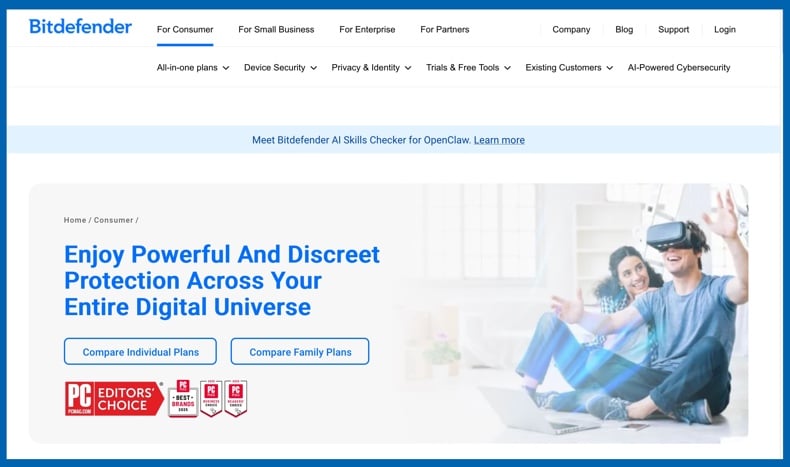
Bitdefender is the top overall recommendation for multi-device protection. It is also our leading 2026 antivirus choice. Bitdefender stands out because it delivers strong desktop and mobile support without compromise. Bitdefender Total Security covers Windows, macOS, Android, and iOS, with higher-tier plans supporting up to 25 devices. The Android security app is also compatible with ChromeOS devices that support Android apps, making it practical for households with both PCs and Chromebooks.
Bitdefender offers a well-balanced solution for multi-device protection. The desktop suite is robust, the Android app is effective, and the account setup is straightforward. Bitdefender also provides a 30-day full trial and a free Windows edition for those who want to evaluate the product. The main limitation is that the standard-plan VPN has restrictions unless you upgrade, and the iPhone app focuses more on web and account safety than in-depth device scanning. Overall, Bitdefender is the best choice for comprehensive coverage across most home platforms with minimal hassle.
2. ESET
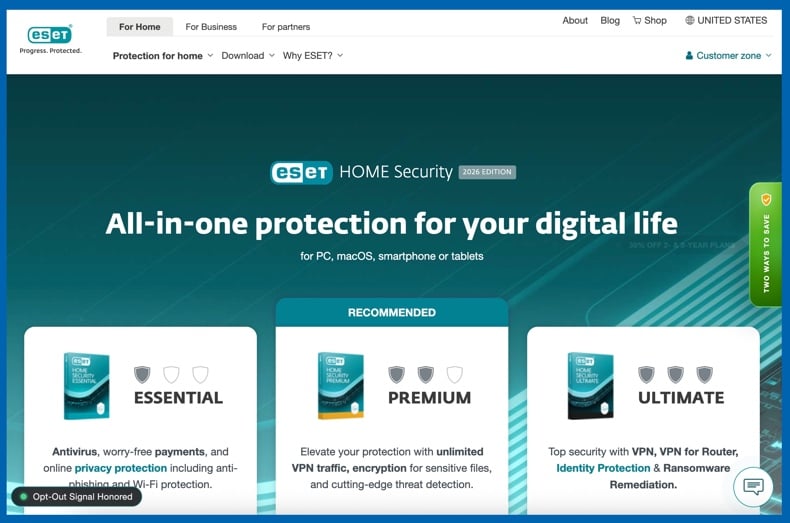
ESET is well-suited for users who prefer a lighter, more configurable security solution and primarily use Windows, Mac, or Android devices. It distinguishes itself with strong protection, a privacy-focused design, and flexible account management through ESET HOME. Consumer plans are compatible with major operating systems, and the latest all-in-one tiers support up to 10 devices. ESET also offers a 30-day trial without requiring a credit card, making it easy to evaluate the suite.
ESET ranks second in this article because its support for iPhone is limited. The company acknowledges there is no true antivirus for iOS due to Apple's sandboxing, so its app for Apple mobile devices focuses on privacy and account management rather than full protection. This limitation also applies to Chromebooks, where ESET functions through Android but is less Chromebook-focused than Bitdefender or Malwarebytes. For households that primarily use non-Apple devices and prefer a lighter, more technical suite, ESET remains an excellent multi-device choice.
3. Malwarebytes
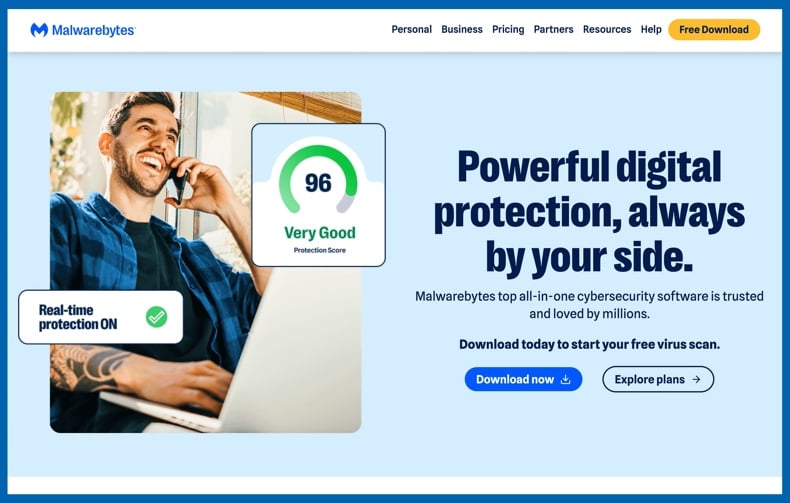
Malwarebytes stands out for its simple, modern, and focused approach to security. Its emphasis on usability can make it a solid choice for many households. Malwarebytes supports Windows, macOS, Android, and iOS, offers flexible multi-device subscriptions, and provides clear ChromeOS setup guidance, including details on feature limitations for Chromebooks. This level of transparency is valuable, ensuring users do not need to guess about compatibility across devices.
Malwarebytes also appeals to users seeking a streamlined product. It delivers strong anti-malware, scam, and malicious site protection, with plans that cover multiple devices and scalable family options. A full-featured 14-day trial is available, along with shorter premium trials for mobile. However, Malwarebytes offers fewer traditional extras, such as integrated parental controls or extensive tune-up tools. For those prioritizing straightforward, reliable protection over additional features, Malwarebytes is a practical choice for multi-device security.
4. Avast
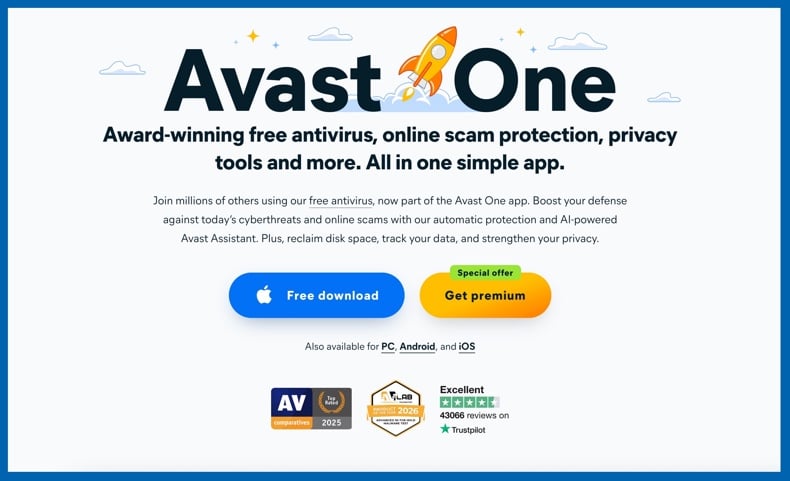
Avast is the most accessible option in this lineup for users seeking a reputable free solution. Avast One and its related free tools provide broad mainstream access and are available for Windows, Mac, Android, and iOS. Current Avast One plans vary by tier, with Individual covering up to 5 devices and Family covering up to 30 devices. This flexibility is ideal for households needing to protect multiple devices without committing to a paid suite upfront.
However, Avast is not without drawbacks. The user experience can feel overly sales-driven, particularly on the free tier. Additionally, concerns remain following the FTC's settlement regarding Avast's previous data practices, which may deter some users. Despite these issues, Avast offers reliable protection and broad platform support. If your priority is maximizing device coverage at minimal upfront cost, it remains the strongest free mainstream option.
5. Norton
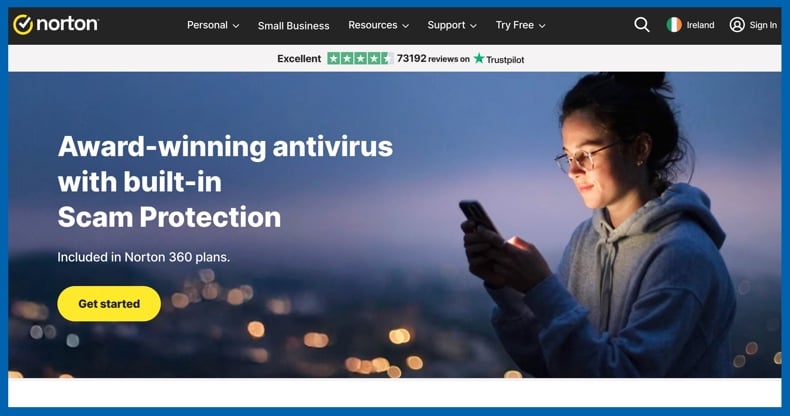
Norton is a solid option for families seeking more than basic antivirus protection. It stands out by offering comprehensive household security subscriptions. Norton's plans typically cover 3, 5, or 10 devices, including Windows PCs, Macs, smartphones, and tablets. Norton 360 Deluxe combines antivirus software with additional features, such as a VPN and parental controls. Its mobile protection is robust, offering Android users malware defense, Wi-Fi alerts, web protection, and scam prevention features.
Norton is less flexible for cost-conscious users and those seeking straightforward options. It does not offer a permanent free tier, and trial availability depends on region, plan, and app store. Furthermore, the distinctions between Norton AntiVirus Plus, Norton 360, Norton 360 Mobile, and various bundles can be more complex than the simpler offerings from Bitdefender or Malwarebytes. However, if your household values an all-in-one family bundle and is willing to pay for the convenience, Norton remains a reliable and effective multi-device suite.
Editor's Choice - Combo Cleaner
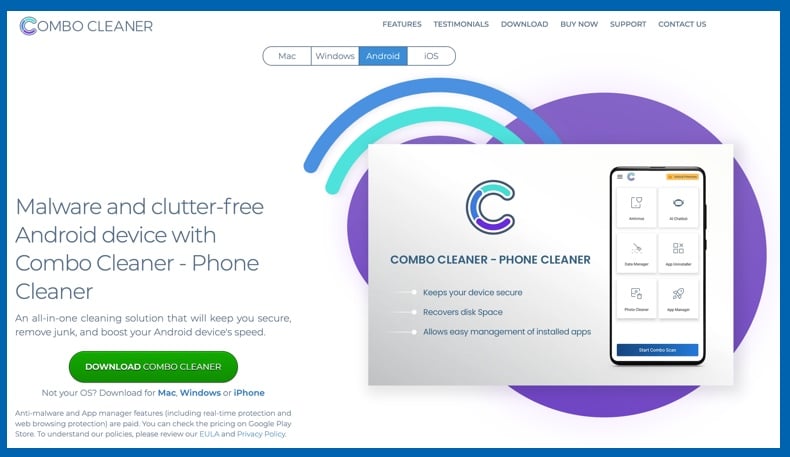
Combo Cleaner is a cross-platform solution for Windows, macOS, Android, and iOS. Its combination of malware defense, web protection, and cleanup tools is ideal for users seeking an all-in-one app for both security and device maintenance. The Android version focuses on real-time protection, malware scanning, safe browsing, and cleanup, while the iPhone version emphasizes web security, password checks, identity monitoring, and device cleanup. However, Combo Cleaner is not included in this top five listing for transparency reasons. It is owned by RCS LT - the parent company of PCrisk.com.
Combo Cleaner is well-suited for users who prioritize device maintenance in addition to threat protection. It offers both free and paid options across platforms, with free scanning and paid threat removal or premium features depending on the device.
How we test antivirus software
At PCrisk, our antivirus evaluation begins with protection, followed by assessments of performance impact, usability, and the value of additional features. This approach guides both our 2026 antivirus coverage and platform-specific guides. While the principle is straightforward, effective multi-device testing requires more than a single Windows benchmark. A suite may perform well on a desktop PC but still fall short for households with diverse devices. For example, if the iPhone app is limited, the Android app is confusing, or Chromebook support is unclear - this does not make the product ideal for mixed-device households.
Five priorities drive the testing for the best multi-device protection. First, the vendor must provide genuine support for the operating systems most households use, including Windows, macOS, Android, iPhone, iPad, and (where applicable) ChromeOS. Second, the product should deliver meaningful protection on each platform, not just basic account management. Third, the subscription model needs to be practical for households with multiple devices. Fourth, setup and management should be straightforward for novice users. Fifth, the product must offer real value through features like web filtering, anti-phishing, breach monitoring, or scam protection.
Furthermore, vendor claims are cross-checked with independent lab results (where available). AV-TEST provides separate scores for protection, performance, and usability on Android and Windows, while AV-Comparatives measures real-world protection, malware blocking, and system impact. This data is valuable because effective multi-device antivirus software should detect threats without negatively affecting device usability. Although lab data does not replace hands-on evaluation, it serves as an important reality check.
Finally, we evaluate transparency. More credit is given to vendors who clearly explain platform limitations, especially on iPhone and Chromebook, where third-party security apps function differently than on Windows. To elaborate, Malwarebytes is recognized for its clear ChromeOS guidance, and ESET for explaining why iOS does not support a standard antivirus model. This level of transparency helps users choose the most suitable suite, not just the most heavily advertised.
Will an antivirus app slow down my devices?
Typically, the impact of an antivirus on a device is minimal. Modern antivirus tools use some system resources to inspect files, websites, app behavior, and network activity - and the effect has been measured by independent labs. On current hardware, reputable products generally run quietly during everyday tasks such as browsing, messaging, or watching videos.
Performance slowdowns are usually tied to specific events rather than ongoing issues. Full scans, initial indexing, low-end hardware, limited RAM, or enabling all privacy features can make a device feel slower. For example, our Chromebook testing found that quality mobile security apps remain lightweight, though extra load is more noticeable during initial scans, VPN use, or on less powerful devices. This is also true of both PCs and phones. Using one well-chosen security app is typically sufficient, while running multiple overlapping security or cleanup tools is more likely to cause problems.
However, there is a key point that is often overlooked - antivirus software has limited effectiveness on outdated operating systems. Microsoft, Google, and Apple all emphasize the importance of regular updates. If a device is old, unsupported, or overloaded with utilities, the solution is often straightforward - update the operating system, remove duplicate tools, and maintain a streamlined setup.
Can I use a free antivirus for all my devices?
While free antivirus options are available, there is a significant difference between basic free protection and comprehensive, multi-device security. Some vendors provide effective free versions, which are helpful if you need to protect a single Windows PC or Android phone. However, fully free plans rarely offer a complete, centralized solution across all devices, including robust scam filtering, breach alerts, premium support, and privacy features. Oftentimes, free coverage is strongest on one platform and much weaker on others.
Limited coverage and household management: free plans often protect one operating system effectively, but not a mixed-device household. Additionally, features like multi-device support and centralized dashboards are typically only available with paid subscriptions.
Missing anti-scam, privacy, and identity features: modern threats commonly target users through links and accounts, and this makes web protection, SMS scam detection, Wi-Fi alerts, breach notifications, and identity tools essential. These features are usually limited, trial-based, or paid. For example, Malwarebytes separates basic and premium mobile protections, and Norton's most comprehensive household features are only available in its 360 bundles, not in the free offerings.
Reduced support and increased upselling: free users generally receive less direct assistance and more upgrade prompts. While free tools can be effective, support is typically limited, and key anti-scam and privacy features are often restricted to paid plans. This becomes more important when protecting multiple devices, as compatibility and setup challenges are more common in larger households.
Fake or misleading "free antivirus" risks: it must be stressed that not all free security apps are legitimate. Fake antivirus campaigns have been well documented. Tech support scams are an example, commonly involving fake virus pop-ups and promoting fraudulent security software in order to spread malware or otherwise deceive victims into parting with their money. Therefore, free protection must be downloaded only from official vendor websites or trusted app stores.
Outdated software vulnerabilities: applications that are not regularly updated in a timely manner become ineffective against new threats. This is why platform and security updates are essential, even with third-party protection. Operating system or antivirus versions that are out of date can significantly increase security risks.
However, in many cases, it is incredibly easy to try reputable products before purchasing. Bitdefender offers a 30-day full-feature trial. ESET provides a 30-day Premium trial with no credit card required. Malwarebytes includes a 14-day full-feature trial and shorter mobile trials. Avast offers a 60-day Premium Security trial. Norton also provides trials, though terms may vary by region and plan. These trials allow you to evaluate how each product performs in your household before making a commitment.
We recommend Avast as a fully free protection option. While not without fault, it provides the most comprehensive no-cost solution for those seeking immediate protection. However, remember that while a free antivirus can serve as an initial layer of defense, robust multi-device coverage requires a reputable paid suite for a quality long-term solution.
In closing
While built-in security on modern devices has improved, household threats have evolved as well. In 2026, risks extend beyond traditional viruses and include phishing websites, scam messages, malicious applications, data breaches, fake support alerts, and password reuse - all of which can affect any device linked to your accounts. A reputable multi-device antivirus remains valuable, offering consistent protection across Windows, Mac, Android, iPhone, iPad, and often Chromebook. It also provides web, scam, and exposure monitoring features that built-in defenses may not fully integrate.
Hence, for most users - the best approach is to choose a reputable security suite with a straightforward subscription and adopt a layered strategy. It should include regular updates, MFA and passkeys where available, and cautious interaction with apps and links. Combined with these measures, an antivirus serves as a practical safety layer for your digital life, rather than a reactive solution after an incident.
Frequently Asked Questions (FAQ)
Do I need an antivirus for all my devices?
Antivirus protection is always recommended, regardless of whether you use Windows, macOS, Android, iOS, or Chromebook devices. Built-in protections are useful, but a comprehensive suite offers enhanced web protection, scam blocking, breach alerts, and simplified management across platforms.
What kind of threats can an antivirus protect me from?
A robust antivirus protects against malware, ransomware, trojans, phishing sites, scam messages, unsafe downloads, malicious mobile apps, and some identity exposure.
What should I look for in an antivirus for all my devices?
Choose an antivirus with broad platform support, reasonable device limits, strong web and anti-phishing protection, clear documentation for mobile and Chromebook use, and transparent trial/free-plan terms. Reliable support and an intuitive account dashboard are important as well.
Is Combo Cleaner a good option for my devices?
Combo Cleaner can be a strong choice. It is available for Windows, macOS, Android, iOS, and Chromebooks with Google Play support. It combines security features with cleanup tools, which may be appealing to some users.
Share:
 Facebook
 X.com
X.com
 LinkedIn
 Copy Link

Karolis Liucveikis
Experienced software engineer, passionate about behavioral analysis of malicious apps
Author and general operator of PCrisk's News and Removal Guides section. Co-researcher working alongside Tomas to discover the latest threats and global trends in the cyber security world. Karolis has experience of over 8 years working in this branch. He attended Kaunas University of Technology and graduated with a degree in Software Development in 2017. Extremely passionate about technical aspects and behavior of various malicious applications.
▼ Show Discussion