
We may earn commissions from products we recommend. Learn more.
Best antivirus software for Chromebook in 2026 | Top 5 picks

Best antivirus software for Chromebook in 2026 | Top 5 picks
Chromebooks are widely recognized as safer than many traditional laptops. ChromeOS features a read-only operating system, verified boot, sandboxing, data encryption, and automatic updates - all of which help prevent system-wide malware infections. Google also states that ChromeOS devices can receive up to 10 years of updates, providing a significant security advantage for supported hardware.
However, safer does not mean risk-free. Chromebook users often install Android apps, save passwords, access school or work portals, shop online, click links in emails and messages, and add browser extensions that may request site data access. While Google Play Protect offers basic protection, dedicated Android security apps provide stronger protection. Therefore, using a reputable antivirus app on a Chromebook, especially one with Google Play support, remains advisable.
Table of Contents:
- Introduction
- Do I need an antivirus for my Chromebook?
- What security threats can Chromebook users encounter?
- Best Chromebook antivirus comparison
- Best antivirus apps for Chromebook in 2026
- How we test antivirus apps for Chromebook
- Will an antivirus app slow down my Chromebook?
- Are free antivirus apps for Chromebook any good?
- In closing
- Frequently Asked Questions (FAQ)
Do I need an antivirus for my Chromebook?
While a Chromebook does not require an antivirus in the same way a Windows laptop does, security software is by no means superfluous. ChromeOS provides several built-in protections: verified boot checks for tampering at startup, the read-only OS prevents malware from altering core files, sandboxing isolates processes, and device data is encrypted. Automatic updates keep the system patched for years. These features offer a strong foundation for security.
However, there are valid reasons to consider installing a reputable antivirus app on a Chromebook. Many Chromebooks support Android apps from Google Play, which introduces additional security risks. Google Play Protect scans and can remove harmful applications, yet this protection is not infallible. Hence, while Google's built-in protection is helpful, it is not always the most robust option.
Web threats remain a significant concern. The Cybersecurity and Infrastructure Security Agency (CISA) reports that phishing commonly occurs through malicious links, emails, and attachments. Google Safe Browsing protects over five billion devices daily from harmful websites and files, highlighting the primary risks in 2026. Rather than traditional computer viruses, the main threats to Chromebooks are phishing, fake sign-in pages, malicious Android apps, scam pop-ups, unsafe browser extensions, and account theft.
Using a layered approach is the best way to secure a Chromebook. Therefore, keep the ChromeOS updated, avoid applications from untrustworthy sources, and review browser extension permissions prior to installation. Be cautious with links in emails, SMSes, and chat apps. Use strong passwords and enable account protection. To complete your security setup, install a reliable antivirus for additional scanning, anti-phishing, breach alerts, web filtering, and scam protection that extends beyond what ChromeOS provides.
What security threats can Chromebook users encounter?
ChromeOS reduces risk but does not eliminate it. Current Chromebook threats primarily involve compromised accounts, unsafe content, and malicious apps, instead of traditional desktop infections. Hence, additional security software remains incredibly valuable.
The following are some of the key threats:
Phishing and malicious links: phishing is a type of scam wherein cyber criminals attempt to trick users into opening malicious links or files (commonly delivered via email) that can steal personal information or infect devices. On Chromebooks, this often appears as fake Google sign-in pages, school portals, package-tracking links, streaming log-ins, or browser pop-ups designed to prompt clicks.
Malicious Android apps and other potentially harmful applications: if your Chromebook supports Google Play, the Android app ecosystem also affects your device's security. Play Protect scans apps during installation and periodically checks the device, including apps from outside Google Play. However, reporting indicates that Play Protect does not provide the same level of protection as leading third-party security applications. Installing suspicious utilities, clone software, fake scanners, or trojanized files increases the need for additional security measures. High-end malware endangers not only device integrity but also user safety by posing severe privacy issues, as well as the risk of identity theft and significant financial loss.
Malicious browser extensions: while extensions offer valuable features, they can also be intrusive, fake, or receive malicious updates. Browser extensions may access and modify data on visited websites. Some can request broad permissions, which can be used for malicious purposes. For example, in late 2024, a widespread campaign began targeting Chrome extensions, including trusted products, by turning them into malware through malicious updates.
Fake virus alerts and technical support scams: these scams usually involve pages or pop-ups describing device threats or system infections and urging users to call support, download software, or pay for virus removal. Chromebook users may encounter these alerts through malicious webpages, rogue advertising networks, or questionable sites.
Credential theft and account compromise: cyber criminals and scammers seek personal data, passwords, and account access. On Chromebooks, this often involves stolen Google credentials, Microsoft 365 accounts, shopping credentials, or saved browser sessions. Since Chromebooks are closely linked to cloud accounts, a single phishing attack can cause significant harm.
Outdated devices and support gaps: Chromebooks receive extended support, but not indefinitely. Google provides up to 10 years of updates, after which devices no longer receive security patches for new vulnerabilities. While verified boot remains useful, unsupported Chromebooks are less secure for sensitive activities such as browsing, banking, or work.
These threats highlight the need for layered security. ChromeOS provides a strong foundation, and good browsing habits help reduce risks. However, a reputable antivirus application can offer additional protection against malicious links, harmful apps, unsafe extensions, and hasty decisions made under pressure.
Best Chromebook antivirus comparison
The best antivirus for Chromebook is not determined by brand recognition alone. Compatibility with ChromeOS, Android app quality, and effective web protection are key considerations. Based on current vendor features, ChromeOS compatibility, independent Android lab results (where available), and PCrisk's latest review scores, the following represent the strongest options:
| App | PCrisk score | Best for | Chromebook strengths | Free option | Main drawback |
| Bitdefender | 4.5 | Best overall balance | Strong anti-phishing and web protection, real-time malware detection (Android app), lightweight performance, basic VPN included | Trial available | VPN limited (~200 MB/day on basic plans) |
| ESET | 4.4 | Existing ESET households | Anti-phishing, mobile malware protection, ESET HOME integration, strong privacy-focused controls | No meaningful free tier | Fewer Chromebook-specific features compared to desktop versions |
| Malwarebytes | 4.3 | Lightweight protection | Excellent malware removal, malicious site blocking, minimal system impact, simple interface | Yes | Real-time protection and web filtering limited on free plan |
| Avast | 4.2 | Best free toolkit | Free Android app support, web shield, Wi-Fi security scanning, basic threat detection | Yes | Frequent upgrade prompts; past privacy concerns |
| Norton | 4.1 | Scam protection and full suite | Strong Safe Web protection, VPN, identity monitoring, cross-device coverage | No permanent free tier | Complex pricing tiers; key features depend on plan |
Best antivirus apps for Chromebook in 2026
Based on our research and in-house testing, we have narrowed down our top five antivirus software picks for 2026 (for an in-depth comparison, check out our dedicated article). The following ranking has been restructured with Chromebook as the primary consideration:
1. Bitdefender
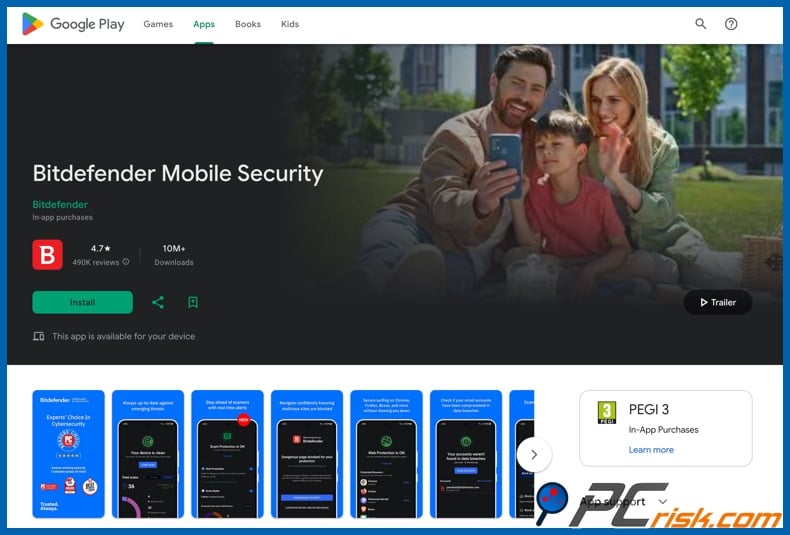
Bitdefender is our Top Antivirus Choice, and we recommend this app for Chromebooks. It stands out by meeting all key criteria. Bitdefender's Mobile Security app is compatible with Chromebooks that support Android apps. This application ranks best in terms of protection, performance, and usability. Its mobile feature set is well-suited for Chromebook users, offering system scanning, web and scam protection, App Lock, identity features, and anomaly detection for suspicious app behavior.
Bitdefender integrates seamlessly with Chromebook, complementing ChromeOS features like verified boot and sandboxing. It enhances security with advanced malicious-app detection, improved anti-phishing, and refined anti-scam tools. Bitdefender offers a free Android antivirus app for ongoing basic protection, and a 14-day free trial of Mobile Security with access to all features. The primary limitation is the standard mobile VPN (Virtual Private Network), which requires an upgrade for full functionality. In summary, Bitdefender is the most comprehensive and reliable choice.
2. Malwarebytes
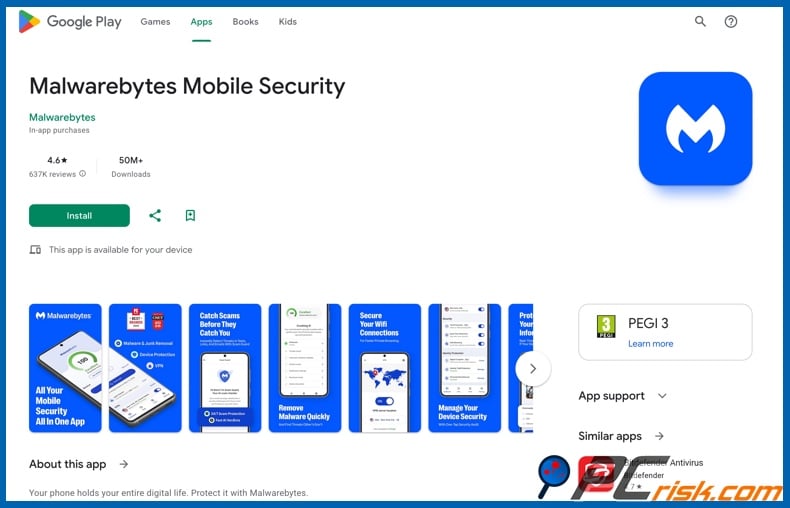
Malwarebytes is the best choice if you want a simple, modern solution with clear guides. It offers dedicated ChromeOS support materials, an installation guide, and clear explanations of the differences between Chromebooks and Android phones. Many antivirus vendors still overlook Chromebooks, but Malwarebytes addresses ChromeOS directly. It is transparent about trade-offs, stating upfront which phone features are unsupported and that Safe Browsing Scanner does not work with Chrome on ChromeOS, recommending Browser Guard instead. This transparency is a significant advantage.
The free version of Malwarebytes on Android is limited to on-demand scanning, but the premium version is more robust. The premium trial is available upon first installation on Android or ChromeOS, and offers real-time protection, anti-ransomware, spyware blocking, and alerts for malicious websites. Malwarebytes is one of the easiest apps to use. It avoids unnecessary features and maintains a clean interface. Malwarebytes is the choice for users who value simplicity and thorough Chromebook support.
3. Avast
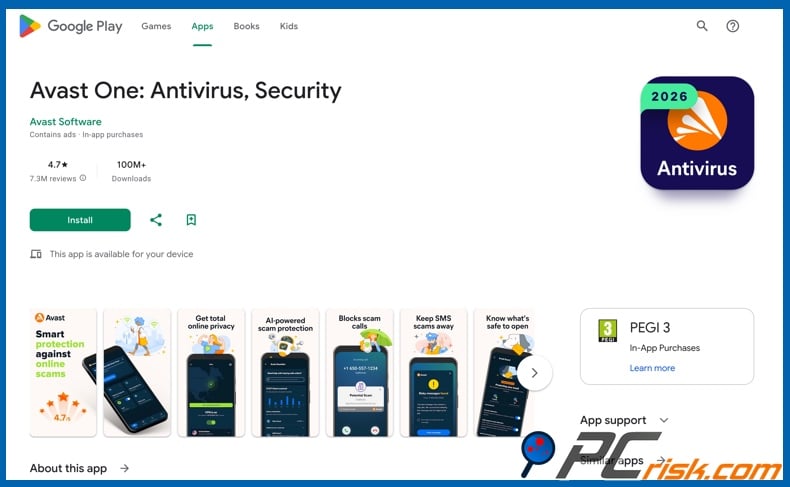
Avast stands out as the leading free antivirus option for Chromebooks. It is ideal for users seeking to enhance Chromebook security without immediate cost. Avast's free mobile security includes malware scanning and anti-scam features, while the premium version adds App Lock and expanded photo privacy tools with Play Store support.
Challenges with Avast are related to user experience and trust, rather than core protection. While Avast's free version is uncommonly generous and its Android app is particularly strong, the persistent upselling and past data-collection issues remain concerning. If a busier interface and frequent upgrade prompts are not a problem, Avast is a compelling choice.
4. Norton
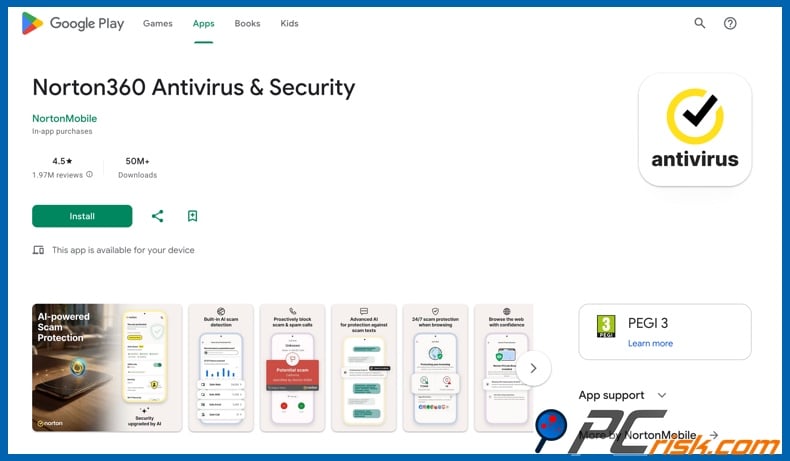
Norton is a strong choice if you need a multi-platform security subscription. This antivirus supports PCs, Macs, smartphones, and tablets - all under one account. Norton Mobile Security for Android offers key features relevant to Chromebook users, including malware protection, App Advisor, Wi-Fi Security, Safe Web, and security reporting. Norton 360 for Mobile adds VPN and Dark Web Monitoring.
Norton's main limitation for Chromebook users is not protection quality but suitability. Its mobile offerings focus on Android, and the product lineup is more fragmented than some competitors. The differences between Norton Mobile Security, Norton 360 for Mobile, and broader Norton 360 bundles may be confusing if you prefer a straightforward solution. Additionally, this antivirus does not offer a permanent free tier, only limited-time trials. However, Norton remains a solid option if a Chromebook is part of a multi-device family.
5. ESET
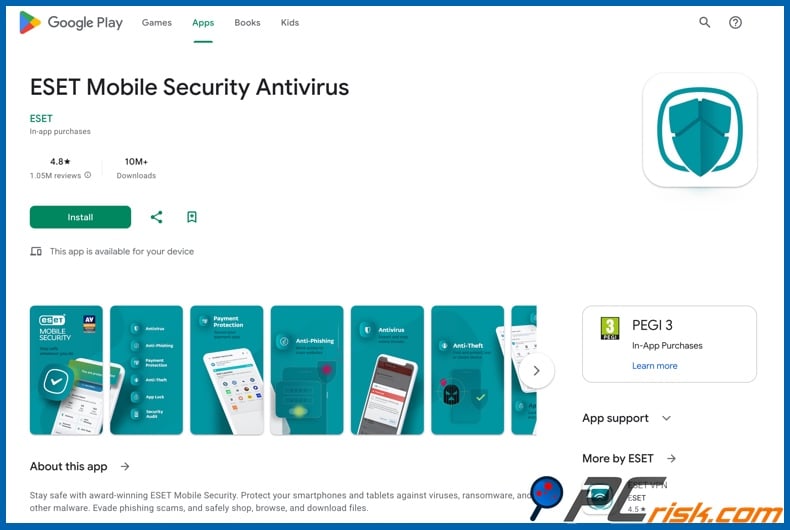
ESET ranks lower in this Chromebook-specific review, despite its higher overall ranking and reputation. This antivirus is a reputable brand, and its Mobile Security for Android offers features such as real-time scanning, anti-phishing, anti-theft, payment protection, and app lock. ESET also provides a free basic version and a 30-day premium trial, allowing users to test the product before committing.
ESET ranks lower for Chromebooks primarily because Bitdefender and Malwarebytes clearly document Chromebook compatibility and ChromeOS support, while ESET focuses on Android in its public materials. This does not reflect on ESET's quality, but rather its Chromebook-specific support. Hence, ESET is less suited for Chromebook-focused users, yet for those using this antivirus across their devices - it is a consistent choice.
Editor's Choice - Combo Cleaner
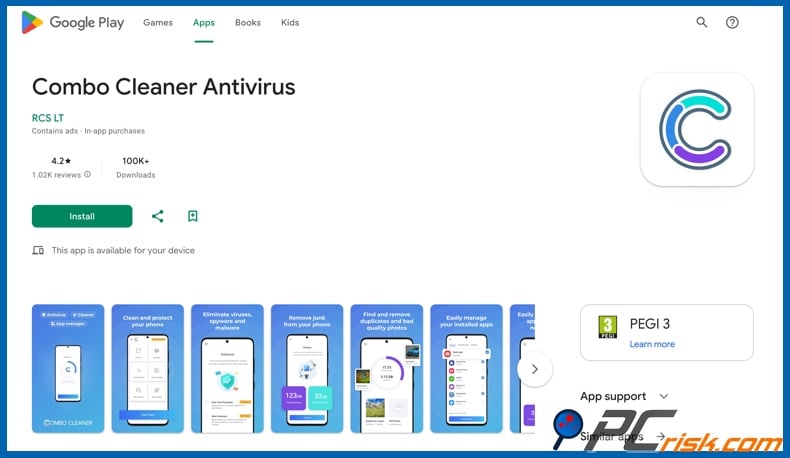
Combo Cleaner is noteworthy as an all-in-one solution for security and cleanup. Combo Cleaner is available on Android and provides real-time protection, web protection, junk cleanup, duplicate-photo cleaning, app management, and an AI security assistant. This combination is appealing for Chromebook users who prefer simple, efficient maintenance. It must be mentioned that Combo Cleaner is developed by RCS LT - the parent company of PCrisk, thus it is excluded from the main top-five ranking. Nonetheless, it remains a solid option for compatible Chromebook devices.
How we test antivirus apps for Chromebook
PCrisk's antivirus methodology prioritizes protection, followed by performance impact, usability, and additional features. Malware detection and removal account for the largest portion of the score, while performance, interface, and bonus tool usefulness receive smaller yet significant weight. This philosophy remains relevant for Chromebooks, but its application must adapt since ChromeOS differs from Windows, and most Chromebook antivirus apps are based on Android versions.
For Chromebooks, the primary concern is not whether an app can inspect the entire operating system. ChromeOS already provides built-in protections that third-party apps cannot and need not replicate. Instead, it is more important to assess whether the app effectively detects malicious Android packages, reliably blocks phishing and scam pages, adds value beyond Play Protect, and functions well with ChromeOS hardware. Therefore, Chromebook testing focuses on real-world malicious app detection, dangerous link blocking, ChromeOS compatibility, and transparency about limitations.
For Chromebook-focused testing, we consider several key factors. First, the protection quality, including independent Android lab results when available. Second - web filtering, anti-phishing, and scam defenses. Third - compatibility confirmation for Chromebook or ChromeOS, and verification of essential feature functionality in Chrome. Fourth, performance and battery impact.
Additional features are important only if they provide real value. For Chromebooks, useful extras include breach alerts, app lock, Wi-Fi security, anti-theft, cleanup tools, and scam filtering. The download and setup process should be straightforward, the free tier genuinely usable, and trial cancellations simple. Upselling should be minimal, and vendors should clearly explain any Chromebook-specific trade-offs. Ultimately, we determined the best Chromebook antivirus software depending on the delivery of effective protection without being cumbersome for the ChromeOS.
Will an antivirus app slow down my Chromebook?
Typically, the impact of an antivirus is minimal. ChromeOS isolates processes and maintains a lean operating system. Modern mobile security apps are designed to scan on demand or monitor web traffic, rather than run continuous, resource-intensive scans. Hence, reputable antivirus applications on Chromebooks generally feel lighter than traditional desktop suites on older PCs.
This is also supported by general testing, which indicates that quality mobile security software tends to be well optimized. On Chromebooks, you may notice extra load during an initial scan, when using always-on VPN features, or on lower-end hardware with limited memory and older processors. However, as far as daily use is concerned, a trustworthy app should run quietly.
If a Chromebook feels slower after installing security software, it is usually due to one of three reasons: weaker hardware, enabling all privacy and web-filtering features (including unnecessary VPNs), or installing multiple security, cleaner, or extension-based tools simultaneously. ChromeOS performs best with a simple setup. One reliable security app is preferable to using several overlapping utilities.
Are free antivirus apps for Chromebook any good?
Free Chromebook antivirus applications can be effective, but it is important to set realistic expectations. Free tools might be enough as an initial layer of protection rather than a comprehensive security solution. Leading vendors typically reserve advanced features like anti-phishing, breach monitoring, identity protection, web filtering, and VPN access for paid plans. Essentially, free products often provide comparable core scanning but usually lack advanced functions and dedicated support.
The following are some of the main limitations associated with free antivirus software:
Limited real-time or web protection: many free products provide only on-demand scanning, not continuous protection. In most cases, advanced features are available in the premium version exclusively. For example, free tiers often offer scanning or cleaning functionalities, while full threat removal and real-time protection require purchase.
Fewer anti-scam and privacy tools: many modern threats are link-based, which make web protection, message filtering, breach monitoring, and anti-scam defenses essential. Key mobile security features are typically reserved for paid tiers, and free protection rarely offers comprehensive coverage.
Increased ads and upselling: free apps can aggressively prompt users to upgrade. And while this does not compromise safety, it can diminish the user experience, especially on devices like Chromebooks.
Reduced support and fewer guarantees: paying customers usually receive faster assistance and access to more or all features. Free users often have limited support options or must rely on self-help resources. This can become a significant problem if you encounter Chromebook-specific compatibility issues or feature limitations.
ChromeOS feature gaps: many antivirus applications are developed primarily for Android phones, so some features may not function properly on Chromebooks. Platform compatibility is as important as the choice between free and paid versions.
Fake or misleading antivirus apps: fake antivirus tools can be expertly marketed as quality security products, yet offer no real protection. They may display exaggerated threats or fake alerts to pressure users into purchasing unnecessary upgrades, and some may even have malicious capabilities.
Data collection and privacy risks: unverified antivirus apps may collect sensitive data, such as browsing activity or device information, and share it with third-parties.
Bundled unwanted software or malware: installers from unofficial sources may include hidden components like adware, browser hijackers, PUAs, or trojans. Hence, software meant to protect the device can introduce new risks.
Absent updates and reliability: developers of questionable apps often fail to maintain their products. Without regular updates, detection capabilities become outdated and leave devices vulnerable to new threats.
Many reputable providers offer trial options, thus you can test most products before committing. For example, Bitdefender provides a free Android antivirus and a 14-day Mobile Security trial. ESET offers a free basic version and a 30-day premium trial. Malwarebytes includes a 7-day premium trial for Android and ChromeOS. Avast features a permanent free mobile security option and a 7-day premium trial. Norton offers 7-day free trials. Combo Cleaner provides a free scanner/cleaner mode and a 7-day trial.
For a completely free Chromebook solution - Avast is our top recommendation. It offers a straightforward, permanently free option that remains feature-rich. However, the most comprehensive anti-scam and privacy features are available with paid plans.
In closing
Chromebooks offer strong security features, including verified boot, sandboxing, a read-only operating system, encryption, and extended update support. However, users should remain vigilant, as modern threats often bypass traditional viruses and instead exploit via phishing websites, malicious Android apps, unsafe extensions, fake support pop-ups, and stolen credentials.
For most Chromebook users, Bitdefender is the best overall choice due to its strong independent lab results, official Chromebook compatibility, and practical features. Malwarebytes is recommended for those seeking clear ChromeOS-specific documentation. Avast is the leading free option. Norton is suitable for broader household protection, while ESET is a good choice if you already use it on other devices. Combo Cleaner is a practical alternative for those who want both security and cleanup features, provided your hardware is compatible. Regardless of your choice, keep ChromeOS updated, be cautious with links and browser extensions, and view antivirus software as a component of a comprehensive security strategy.
Frequently Asked Questions (FAQ)
Does Chromebook need an antivirus?
Chromebooks do not require an antivirus the same way traditional Windows laptops do, as ChromeOS includes verified boot, sandboxing, a read-only OS, encryption, and long-term updates. However, a reputable antivirus is useful for Chromebooks since they remain vulnerable to phishing, scam pages, and malicious extensions/apps.
Can Chromebook get infected by viruses or malware?
System-wide infections are uncommon on Chromebooks, but they are not impervious to threats like malicious Android apps, phishing websites, dangerous extensions, fake support scams, or account theft. Most Chromebook-specific risks are web or app based.
What should I look for in an antivirus for my Chromebook?
Choose a reputable antivirus with strong web protection, effective malicious app detection, Chromebook/ChromeOS compatibility, minimal performance impact, and transparent documentation. Features such as breach alerts or scam filtering are beneficial.
Is Combo Cleaner a good option for Chromebook?
Combo Cleaner can be a good option, particularly if you prefer an app that combines malware scanning, real-time protection, safe browsing, junk cleanup, and device maintenance on compatible Chromebooks with Google Play support.
Share:
 Facebook
 X.com
X.com
 LinkedIn
 Copy Link

Karolis Liucveikis
Experienced software engineer, passionate about behavioral analysis of malicious apps
Author and general operator of PCrisk's News and Removal Guides section. Co-researcher working alongside Tomas to discover the latest threats and global trends in the cyber security world. Karolis has experience of over 8 years working in this branch. He attended Kaunas University of Technology and graduated with a degree in Software Development in 2017. Extremely passionate about technical aspects and behavior of various malicious applications.
▼ Show Discussion